Running Discovery Scripts
Discovery scripts and their accompanying templates can be viewed and executed from the administration interface. This page explains how to find, run, and monitor discovery scripts at the administrative level -- as opposed to the simpler user-facing discovery menus covered in the Discovering a Network chapter.
Viewing Discovery Scripts
Navigate to Admin > Transformations. In the tree on the left, expand Network Discovery to see two categories:
- xAssets Discovery Scripts -- the executable scripts that perform discovery
- xAssets Discovery Templates -- the templates that define what data is collected
Click xAssets Discovery Scripts to filter the list to the discovery scripts. Each row shows the script's ID, description, the notes from its last run and the last run time:
Running a Script
- Tick a transformation in the list
- Click Run in the toolbar (Queue adds it to the batch queue without asking; Test runs it in test mode)
- Confirm with Yes
- This saves a record in the database telling the Batch Processor service to run this script as soon as possible
How Scripts Relate to Menu Commands
When you use the user-facing discovery dialog (Discover > Discover, then the Discover Locations or Discover Device or IP Range tab), the system runs one of these discovery scripts behind the scenes. The administrative view gives you direct access to all available scripts, including custom ones that may not have corresponding menu entries.
Monitoring a Running Script
Once a script is running, you can monitor its progress from:
- The Collection Server Viewer -- a desktop application on the application server that shows real-time progress
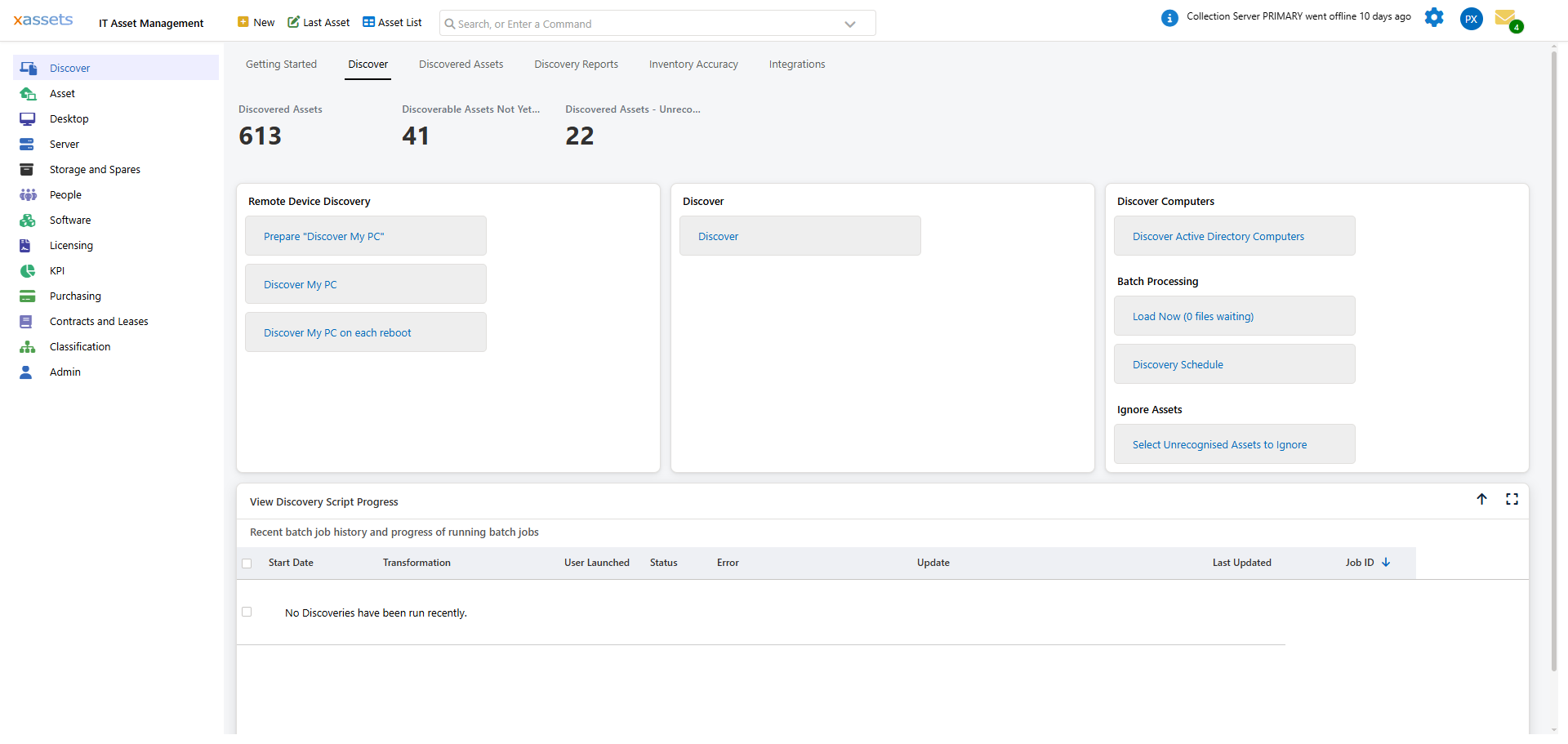
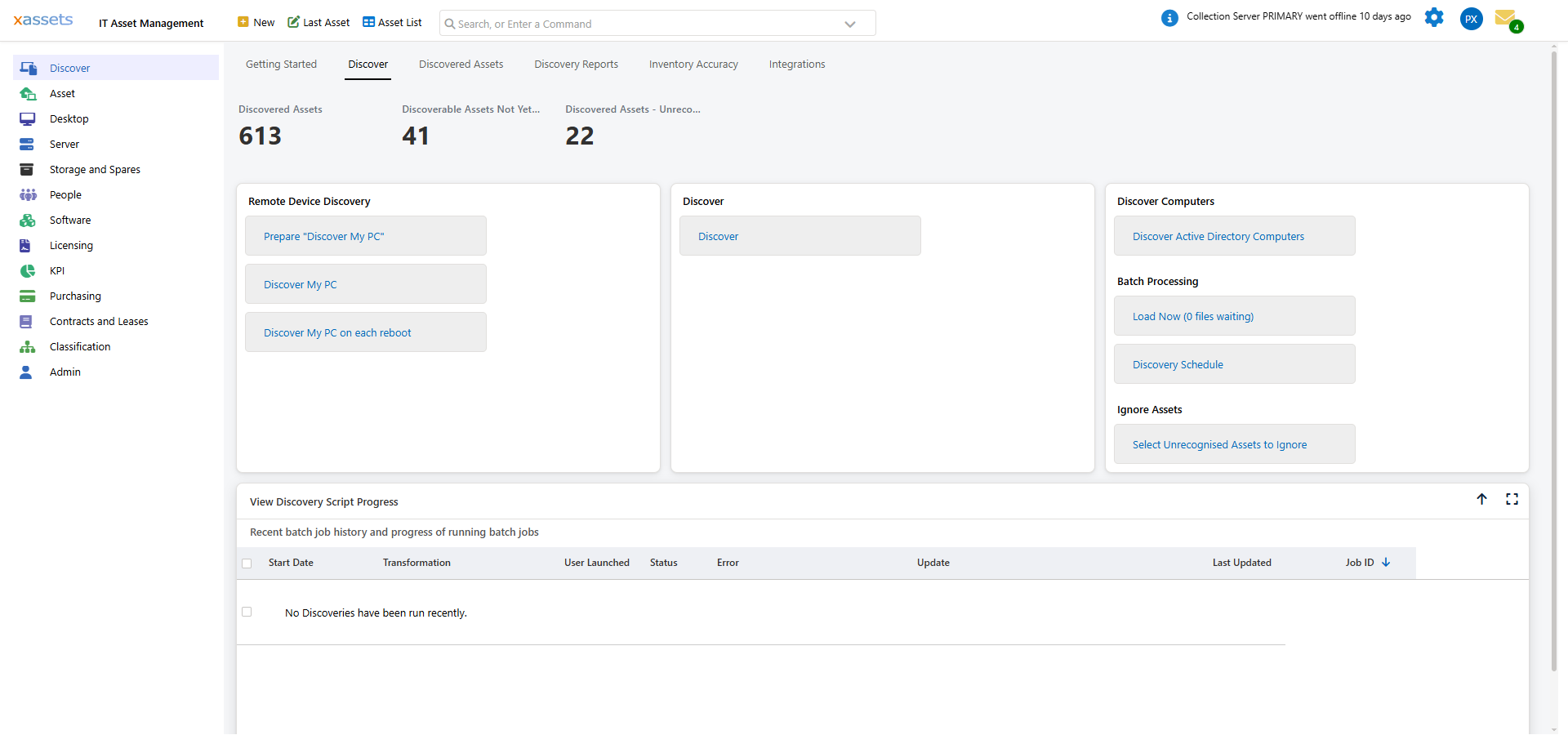
- The web interface -- the Discover tab of the Discovery Dashboard shows recent discovery jobs, or open the settings (gear) icon and choose Batch Jobs
- The Discovery Dashboard -- provides a summary of recent discovery runs and their outcomes
Scripts vs. Templates
| Type | Purpose | When to Edit |
|---|---|---|
| Script | The executable that runs against a specific set of IP ranges or locations | Rarely -- these are typically auto-generated |
| Template | Defines which discovery technologies and fields to use | When you need to customise what data is collected |
Templates are called by scripts. When you edit a template and save it, the XDSL executable is automatically recompiled.
Tips
- Use the administrative view to see all available scripts, including those not exposed through the standard Discover menu
- If you create custom scripts, give them clear names that indicate their purpose and target (e.g., "Discover Server Room -- SNMP Only")
- After editing a template, the next discovery run will use the updated configuration -- there is no need to restart any services
Related Articles
- Discovery Architecture Overview — how the components fit together
- Editing Discovery Scripts — customising templates
- Scheduling Discovery Scripts — automating script execution
- Running Discovery — the user-facing discovery workflow