Deploy Assets from Storage
When a stored asset is needed again, use the deploy function to move it back into active service with an updated location and status. This is the reverse of Moving an Asset into Storage.
Prerequisites
The asset must currently be in a storage status (e.g., "In storage - may be used again"). Only assets in storage appear in the deployment query.
How to Deploy from Storage
Step 1: View Stored Assets
- Navigate to Storage and Spares > Storage > Deploy Assets from Storage
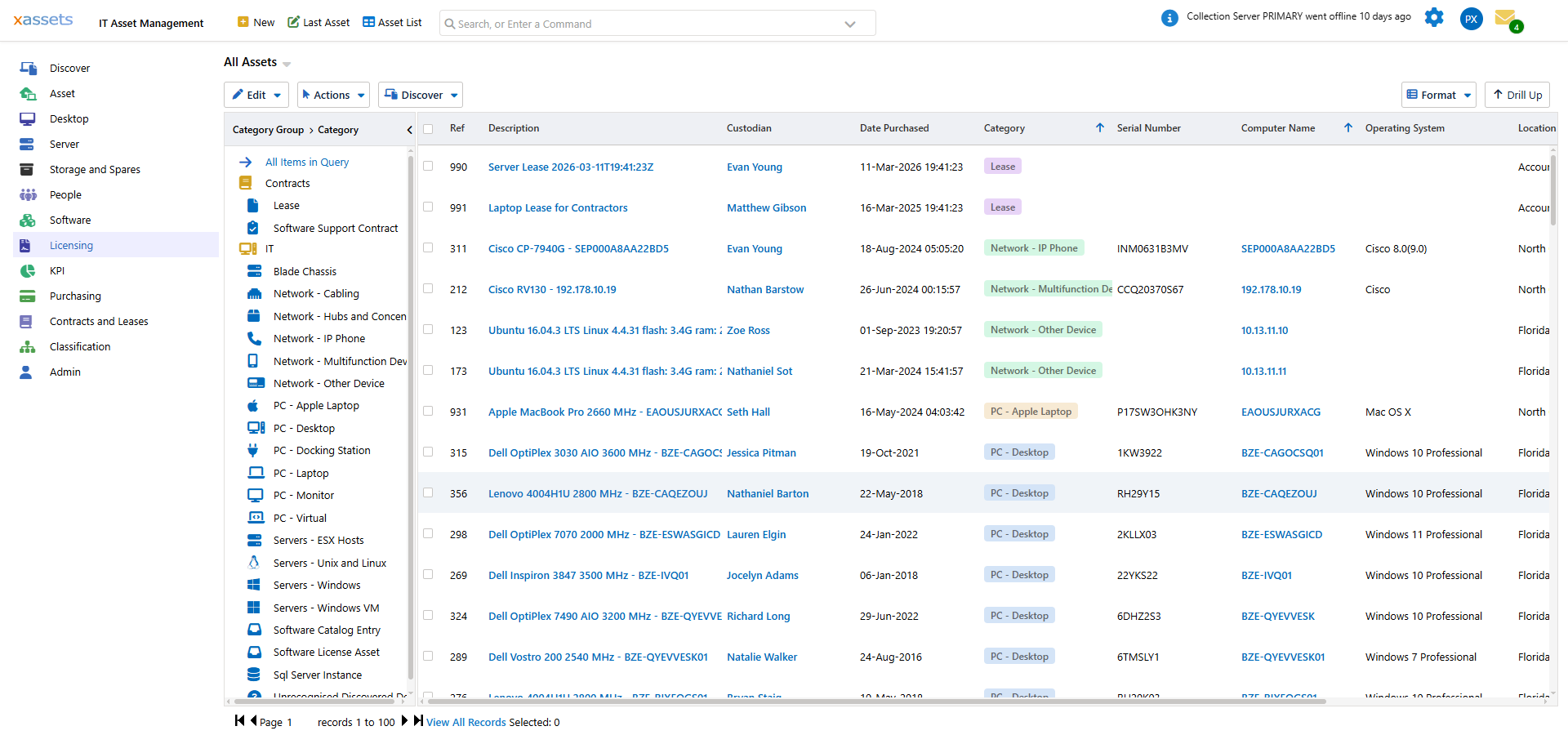
- The Assets Storage - Deploy query lists every asset in a storage status, grouped by location and category in the tree on the left. Each row shows the asset's status, description, custodian, category and location, and the toolbar carries the storage actions: Receive New Assets, Transfer Assets, Deploy Selected and Deployment Confirmations.
Step 2: Select and Deploy
- Tick the checkbox on each asset to deploy. Shift+Click selects a range and Ctrl+Click adds individual rows.
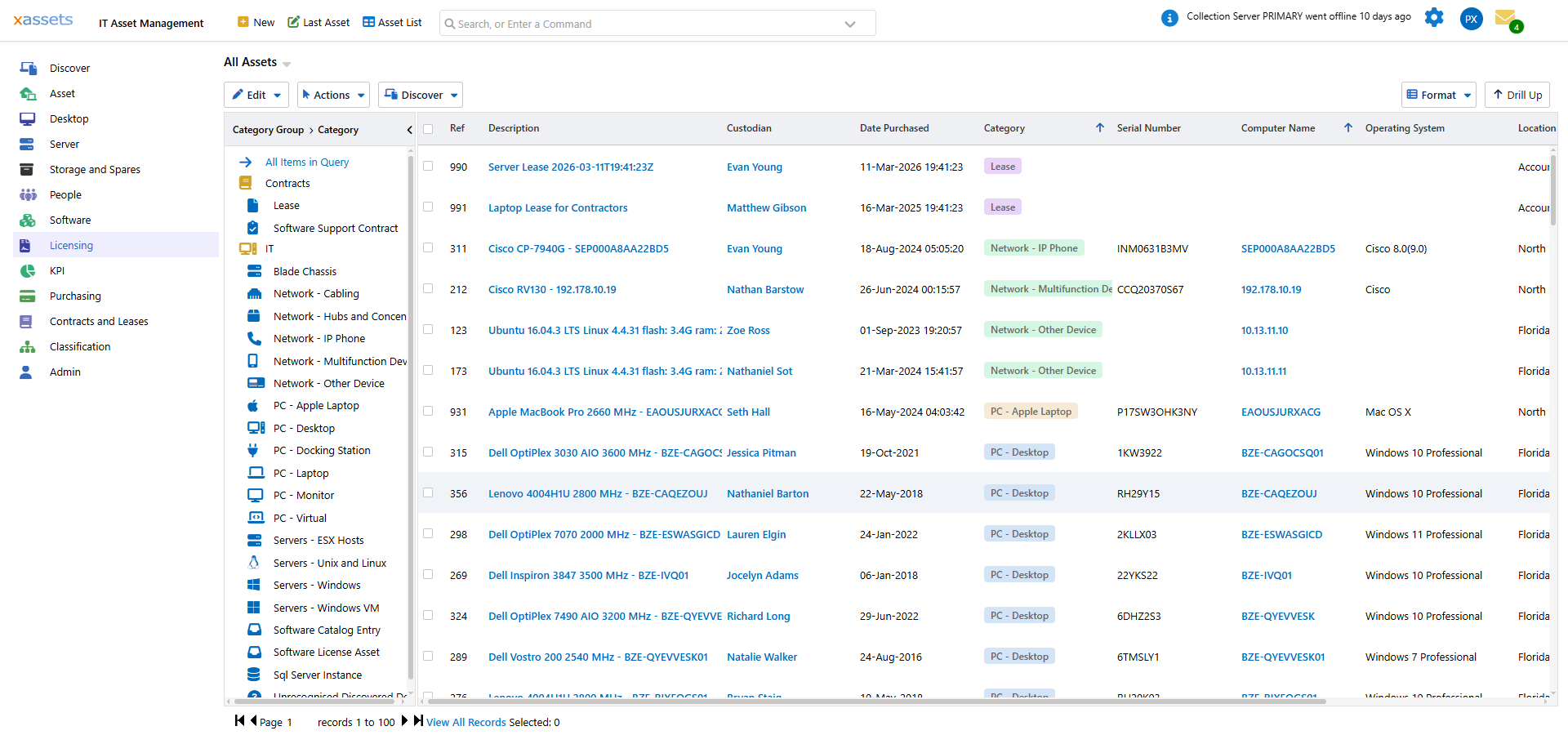
- Click Deploy Selected. The same command is also available from the Storage Actions dropdown as Deploy Asset List and Send User Acceptance Confirmation, which deploys every asset in the current list rather than just the selected rows:
Step 3: Set Deployment Details
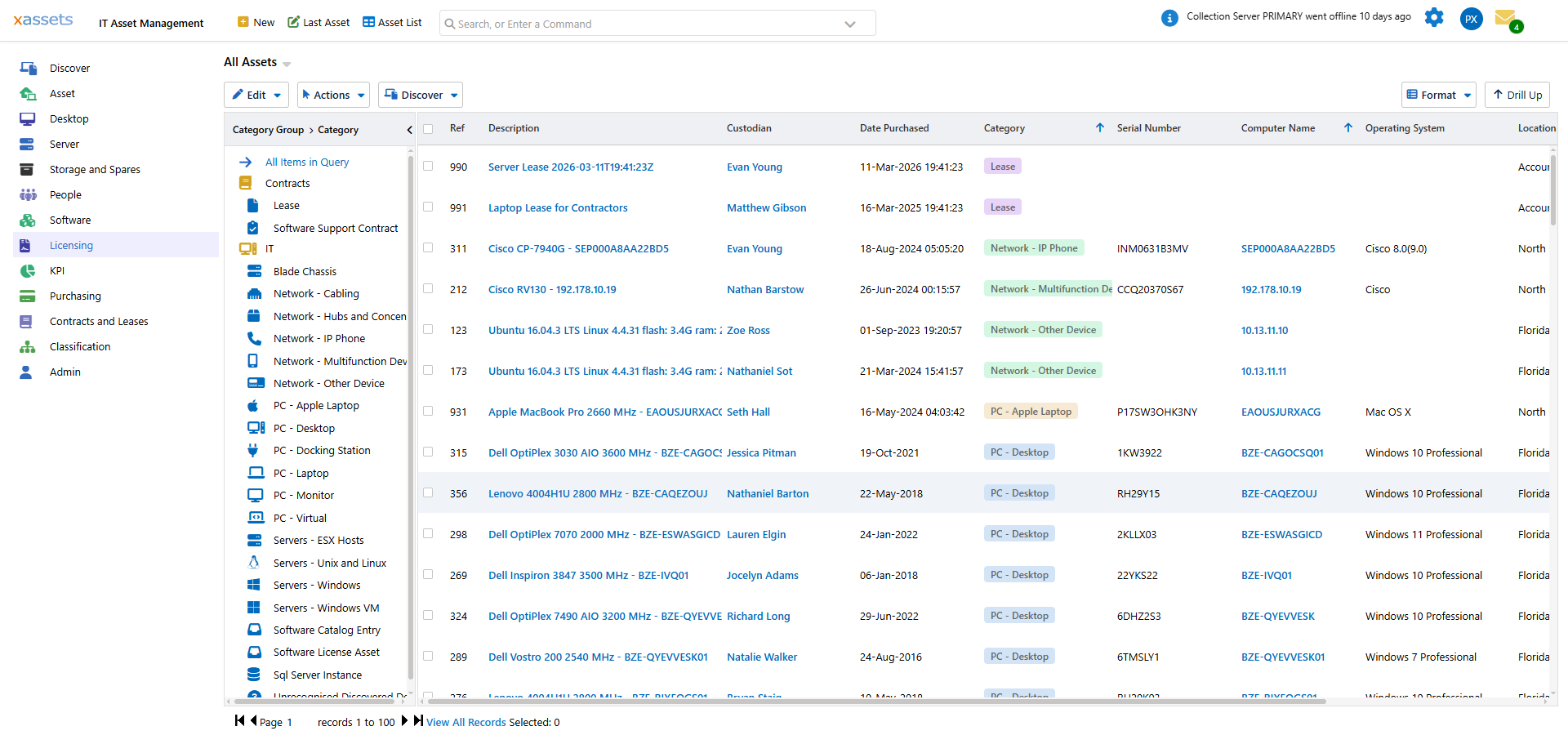
The Deploy Assets and Send User Acceptance Confirmation dialog opens with the selected assets already filled in:
- Asset -- the selected records (click the magnifier to review or change the list)
- Custodian -- the person the assets are being issued to
- Deployed Status -- the status the assets move to, normally Deployed
- Send Confirmation Email -- when ticked, the custodian receives an email asking them to confirm receipt; their reply is recorded under Deployment Confirmations
Click OK to complete the deployment.
What Happens After Deployment
- The asset's status changes to the Deployed Status you selected
- The asset's custodian is set to the person it was issued to
- A history entry is created recording the deployment date
- If a confirmation email was sent, the custodian's response appears under Deployment Confirmations on the storage toolbar
- The asset reappears in "in service" reports and dashboards
If the deployed asset is a computer, the next discovery scan will pick up its current hardware and software state and update the record.
Tips
- Before deploying, check that the stored asset is still in working condition -- equipment that has been in storage for a long time may need testing
- After deploying a computer, run a targeted discovery against it to refresh the hardware and software inventory
- If deploying to a new user, update the custodian field on the asset record
- Consider imaging or rebuilding stored computers before deployment, especially if they were last used by a different department
Related Articles
- Moving an Asset into Storage — the reverse operation
- Spare Parts — deploying spare parts rather than full assets
- Spares and Storage Overview — the module overview