Introduction to Work Centres
This page explains what Work Centres are, how they simplify work order assignment, and how to create and organize them.
What Is a Work Centre?
A Work Centre groups individuals with the same skills or responsibilities into a single assignable unit. Instead of assigning work orders to a specific person, you can assign them to a work centre and let the team manage their own workload.
When to Use Work Centres
Work centres are useful when:
- Multiple technicians can perform the same type of work and you want flexibility in who picks up each task
- You want to track workload at a team level rather than an individual level
- You need to use Task Assignment Rules to automatically route generated work orders to the right team based on asset category, location, or department
Examples of Work Centres
| Work Centre | Purpose |
|---|---|
| Vehicle Workshop | All vehicle servicing and repairs |
| IT Support | Hardware maintenance, PAT testing, firmware updates |
| Facilities | Building maintenance, HVAC, plumbing, electrical |
| Safety | Fire extinguisher inspections, emergency lighting tests |
Creating a Work Centre
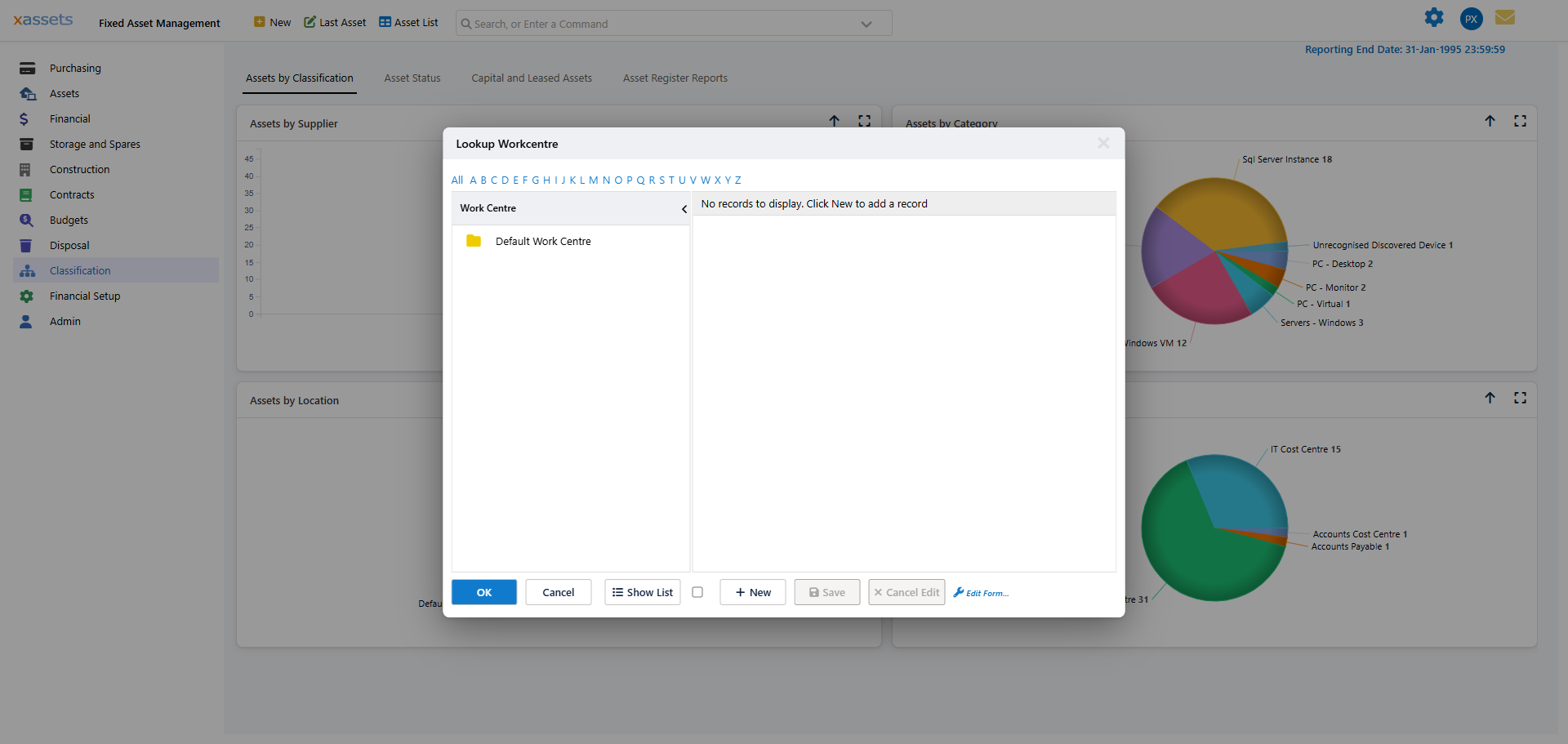
To create a work centre, go to Classification > Work Centre Hierarchy.
Work centres are organized in a hierarchy, so you can create parent and child work centres to reflect your organizational structure (e.g., "Facilities" as the parent, with "HVAC", "Electrical", and "Plumbing" as children).
In the example below, a "Car Workshop" work centre has been created with location, cost centre, and department attributes:
Work Centre Attributes
Each work centre can optionally have:
- Location — the physical location of the work centre
- Cost Centre — for cost tracking of work performed
- Department — the organizational department responsible
These attributes are informational and can also be used in queries and reports to filter work orders by work centre characteristics.
Next Steps
After creating work centres, assign individuals to them so that team members can see and act on work orders assigned to their centre.
Related Articles
- Assigning an Individual to a Work Centre — How to assign personnel to work centres
- Planned Maintenance Introduction — Introduction to the planned maintenance module
- Introduction to Work Orders — Overview of work orders
- Task Assignment Rules — How tasks are assigned to work centres