Status Protection
Integrations keep asset records current, which is usually what you want — and occasionally exactly what you do not. An asset you have marked Disposed should stay disposed even if a discovery agent finds it still switched on. Status Protection lets you say which statuses an integration may not overwrite.
The Problem
Data loading updates an asset's status from whatever the source system reports. That is right most of the time: a machine that comes back on the network should go back In Service.
But some statuses are decisions rather than observations. If somebody sets an asset to Stolen, Disposed or Finished Service, that is a deliberate act recorded by a person. A discovery run that still sees the machine on the network should not quietly undo it — and if it does, the asset flips back and forth on every load, and nobody trusts the status field again.
How It Works
A protection is a pair: one status and one source.
While that pair exists, data arriving from that source cannot change an asset that is currently at that status. Everything else is unaffected — other sources can still update it, and the same source can still update assets at other statuses.
Pairing matters. You rarely want "nothing may ever change this status". You want "automated discovery may not change this, but our HR feed may" — and pairing lets you say exactly that.
Setting a Protection
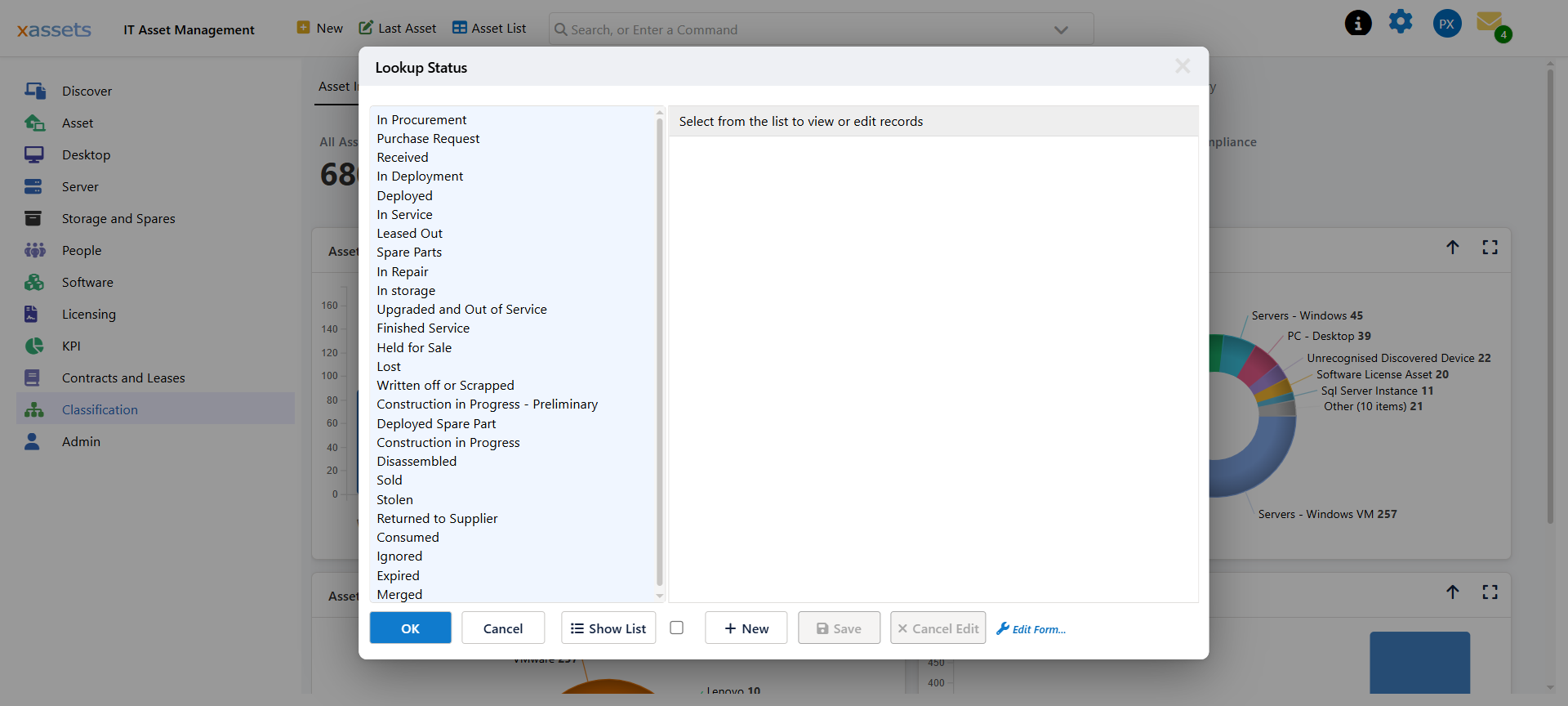
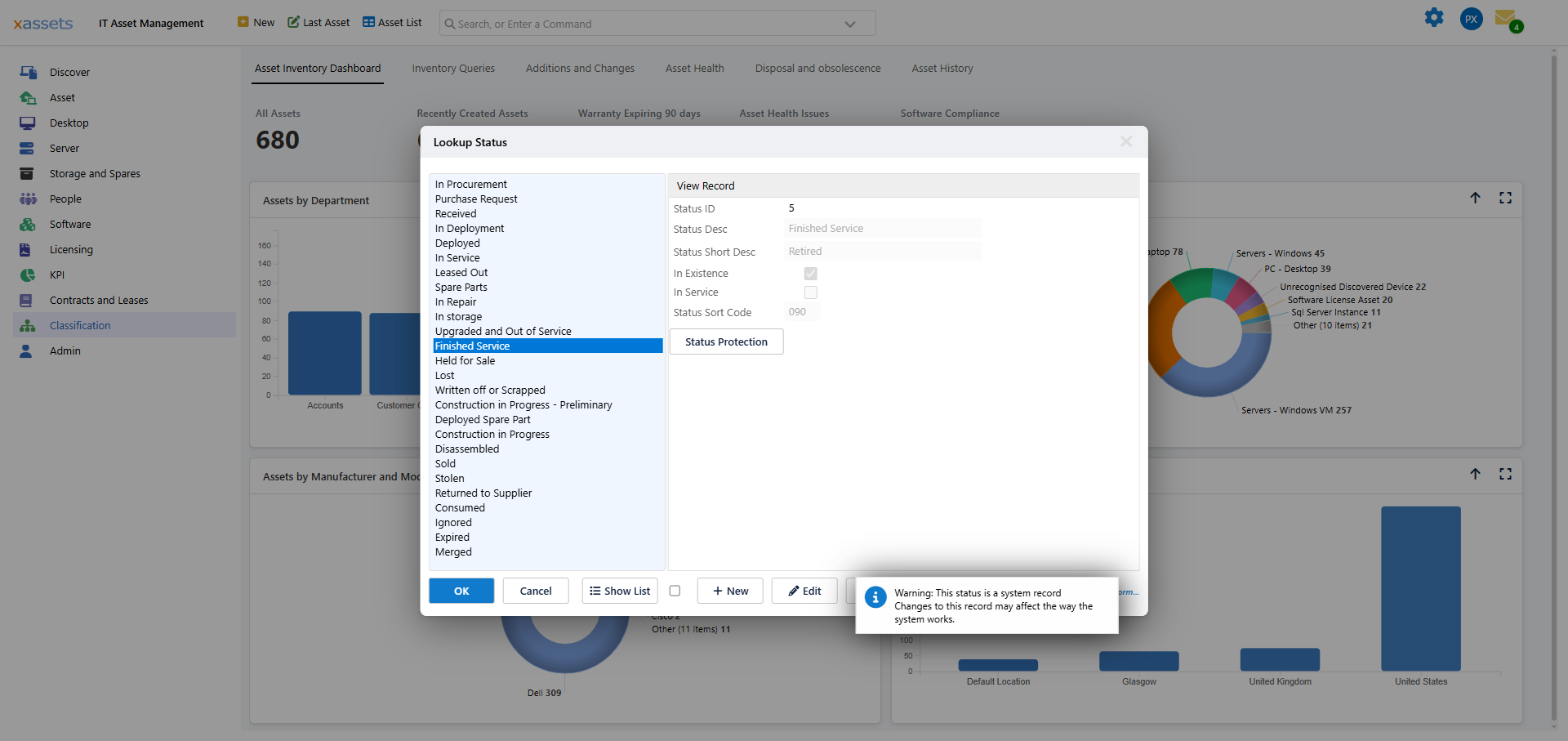
Go to Admin → Status Codes (for assets), select the status you want to protect, and click Status Protection.
Add an entry naming the source that should not be allowed to change assets at this status. Add one entry per source you want to block; a status with no entries is unprotected and behaves as it always has.
Source is the system the data came from — xAssets Discovery, Intune, SCCM, ServiceNow, Entra, an import, and so on. Sources are created as they are encountered, so the list reflects what actually feeds your system.
Which Statuses Are Worth Protecting
Protect statuses that represent a decision:
| Status | Why protect it |
|---|---|
| Disposed | The asset has gone. Discovery finding a stale record should not resurrect it |
| Stolen | A reported loss must not be undone by the machine reappearing |
| Finished Service | Retirement is a decision, not an observation |
| Sold / Returned to Supplier | The asset has left your estate |
Do not protect statuses that describe current reality — In Service, In Stock and similar. Those are exactly what discovery should keep current, and protecting them stops your data reflecting the estate.
Where It Applies
Protection is applied during data loading, which covers every integration that funnels through it — discovery, Intune, SCCM, ServiceNow, JAMF, Kandji, imports and the rest. It does not restrict people: a user with permission to edit an asset can still change its status by hand, which is the intended escape hatch.
Diagnosing a Status That Keeps Changing
If an asset's status flips back after every load:
- Note what it flips to — that tells you which source is winning.
- Check whether a protection exists for the status it should be staying at, paired with that source.
- Add it if not.
If it still flips, the source may be arriving under a different name than you expect. Check the asset's history to see what is credited with the change.
Related Reading
- Settings
- Transformations — the data loading process
- Asset History — seeing what changed an asset and when