Unrecognized Software
Unrecognized Software is a query that lists software titles discovered on your network that the recognition engine could not classify. These titles do not appear in licensing reports until they are recognized, which means they could represent a compliance gap if any of them are licensable software.
Submit to xAssets, do not DIY. As part of your subscription, xAssets ensures every software title in your database is recognized centrally. Submit unrecognized titles to xAssets via the workflow below — the classification flows back to you and benefits every other customer too. Local recognition records (covered in Creating Software Titles Manually) are reserved for genuinely internal software.
Why Software Goes Unrecognized
The recognition engine maintains a database of known software titles. A title goes unrecognized when:
- It is new or niche software not yet in the recognition database
- The title string is unusual (e.g., custom internal tools, rebranded software, or titles in non-English languages)
- The software was installed from a non-standard source and has an unexpected name
Viewing Unrecognized Software
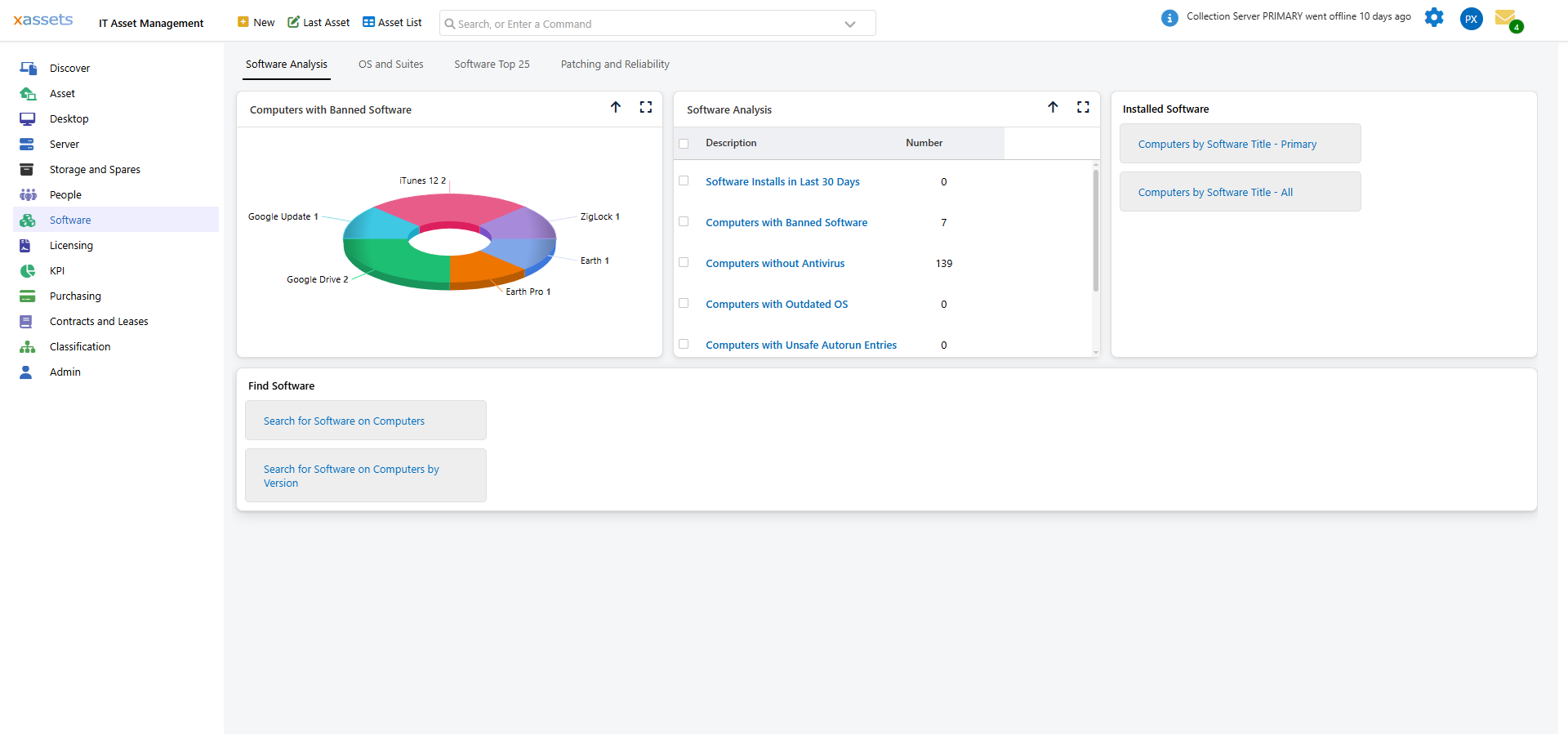
Navigate to the Software Dashboard and select the Unrecognized Software query. Click the blue links to see the full list of unrecognized titles:
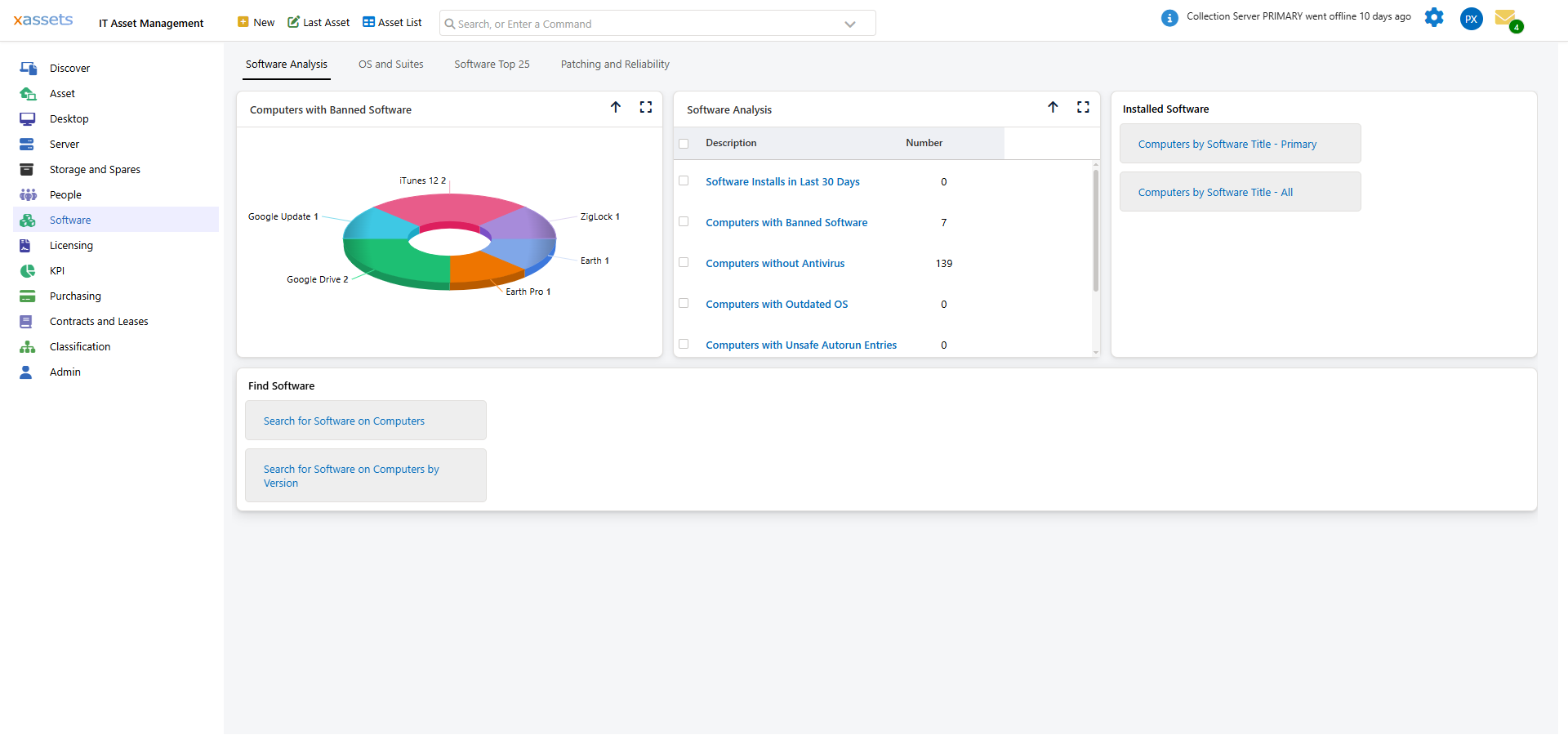
You can also view all software (including unrecognized titles) from Software > Computers by Software Title > Computers by Software Title — All. This includes every title discovered, regardless of recognition status.
Sending Unrecognized Titles to xAssets
You can submit your unrecognized titles to xAssets for inclusion in future recognition database updates:
- Navigate to Admin > Transformations > IT Transformations > Software Asset Management
- Select Send Unrecognized Software to xAssets
- Click Queue to submit the data
xAssets will review the submitted titles and add any that should be recognized (e.g., commercial software like "HPE Insight Management Agents") into the centralized recognition database. The next time you receive a recognition update, these titles will be correctly classified.
What To Do About Unrecognized Software
| Scenario | Action |
|---|---|
| Title is clearly commercial software (e.g., a known product with an unusual name) | Submit to xAssets for recognition. In the meantime, you can create a manual recognition record (see Creating Software Titles Manually) |
| Title is an internal or custom application | No action needed — internal tools typically do not require external licenses. You can create a recognition record classifying it as "Free" if you want it categorized |
| Title is a system component or driver | No action needed — these are typically classified as "Secondary" or "Free" when recognized |
| Title appears suspicious (potentially unwanted software) | Investigate further — check which machines have it installed and consult your security team |
Tips
- Review the unrecognized software list periodically (e.g., monthly after a fresh discovery)
- Focus on titles with high installation counts first — these are more likely to be commercial software that needs licensing attention
- After submitting titles, recognition updates are applied the next time discovered data is loaded
- Do not ignore unrecognized software indefinitely — a vendor audit may discover licensable software hiding in the unrecognized list
Related Reading
- Software Updates — how recognition database updates are delivered
- Creating Software Titles Manually — creating recognition records for titles you need to track now
- Daily Tasks: Software Installed on a Computer — viewing all software on a specific machine
- Software Catalog — managing the product catalog