Software Catalog Overview
The Software Catalog is the central registry of every product you license. Every license you record, every consumption the engine posts, and every line in the licensing position links back to a catalog entry. Get the catalog right and the rest of SAM falls into place.
Viewing the Catalog
Navigate to Licensing → Licensing Position to see every product. The list shows each entry with its key compliance numbers:
| Column | Meaning |
|---|---|
| Seats | Total seats across all license records attached to this product (the number of potential qualifying rights) |
| Rights | Total rights available after upgrade/downgrade processing |
| Installed | Number of computers with this product installed, including those not requiring a license |
| Required | Number of licensable installations — the count that actually needs license coverage |
| Allocated | Number of rights allocated to cover this product, including downgrades from other products |
| Assigned | Number of computers explicitly assigned to a license for this product |
| Downgrade Allocated | Number of downgrades from other products used to cover requirements for this product |
| Outstanding | Number of installations that remain uncovered by a license right |
Tip: For software suites like Microsoft Office, the "Required" column may differ from "Installed" because individual titles (Excel, Word) do not each consume a separate license — they are covered by the suite license (Microsoft Office).
What's in This Chapter
| Page | Covers |
|---|---|
| Product Code vs Description | The two name fields and which one license imports match against |
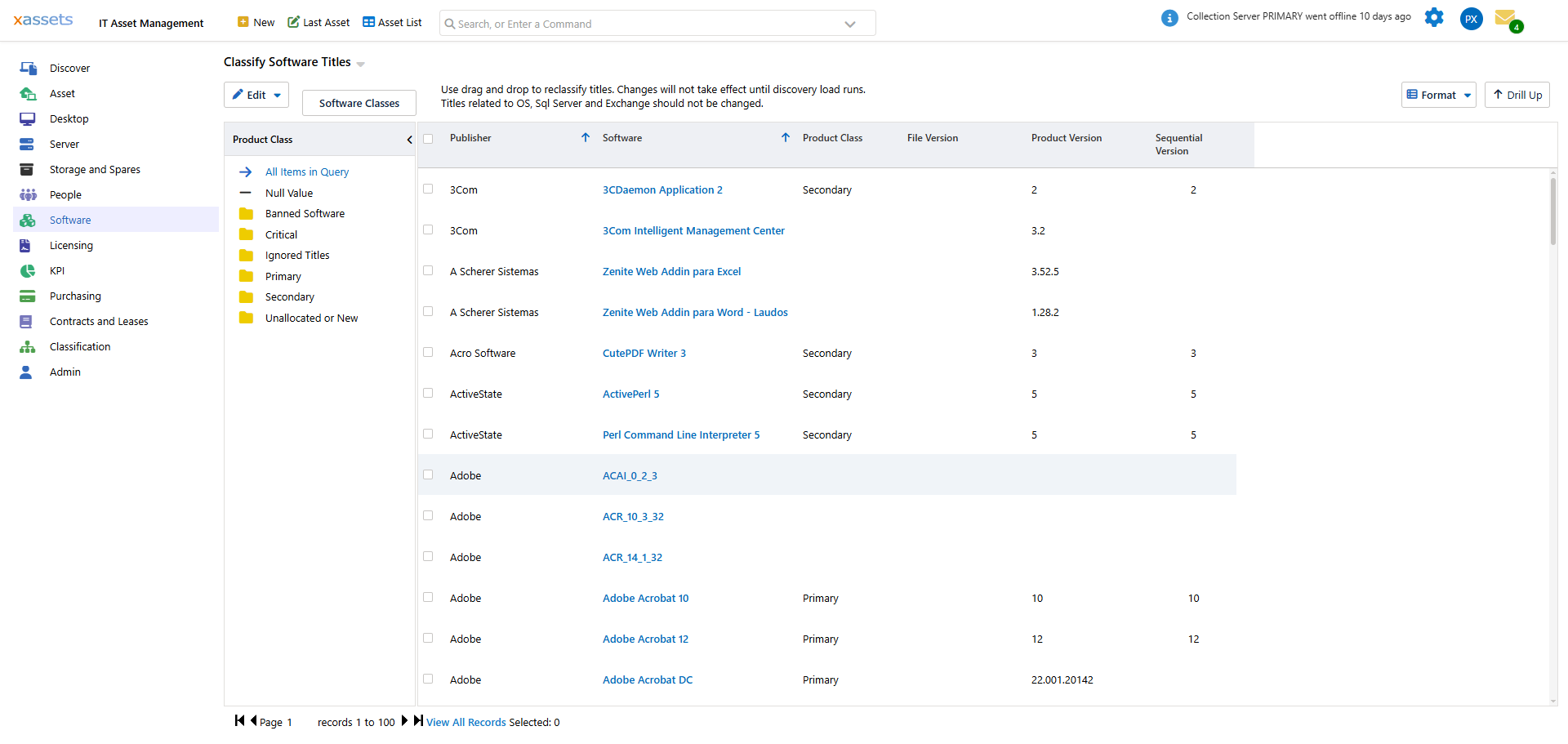
| Defining Titles | How a catalog entry knows what it covers |
| Creating a Catalog Entry | Manual entry workflow |
| Per-Product Configuration | License type, downgrade rule, and per-product scoping flags |
When Catalog Entries Are Created Automatically
In most installations, catalog entries are created automatically by the "Load Now" process after:
- A network discovery run
- An integration (e.g., Microsoft Intune or SCCM)
The recognition database supplies the product name and license type defaults; titles classified as Primary become catalog entries automatically.
Manual creation is needed when:
- The recognition database does not yet have a product you need to track
- You are loading licenses for a product before discovery has found it
- You need to track software that is not discoverable
See Creating a Catalog Entry for the workflow.
Why the Catalog Matters
The catalog is the join point between three things:
- Discovered titles — recognition assigns each title to a catalog entry
- License records — each license names its catalog entry via the Software Product field
- Compliance reports — the licensing position is computed per catalog entry
A missing or wrong catalog entry breaks all three:
- Discovered titles with no catalog entry are not licensed (silent under-tracking)
- Licenses with the wrong catalog entry attribute capacity to the wrong product (false over-licensing on one product, false under on another)
- Reports show wrong numbers without obvious errors
This is why the Standard License Import refuses to auto-create catalog entries — your catalog is the source of truth, and silent auto-creation would corrupt it within weeks.
Related Reading
- Recognition — how titles get assigned to catalog entries
- Software Licenses — how licenses attach to catalog entries
- Importing Licenses: Preparing the Catalog — preparing the catalog for bulk imports