Books
A book is a complete, parallel set of financial transactions for your asset register. Each book maintains its own depreciation calculations independently, allowing you to track different valuations side by side (for example Corporate vs. Tax vs. an accelerated schedule like MACRS). This page explains when and how to create books, and how to attach them to existing assets.
Prerequisites
- You must be in the Fixed Asset Management profile (see Fixed Asset Management Profile).
- You should understand your organisation's requirements for parallel depreciation - most organisations need at least a management/corporate book, and often a separate tax book.
Why Use Multiple Books?
Common reasons for maintaining multiple books include:
| Book | Purpose |
|---|---|
| Corporate | Depreciation based on actual useful life for management/financial reporting |
| Tax | Depreciation based on tax authority rules (e.g. capital allowances) |
| MACRS | The US IRS depreciation system, using its published recovery-period tables |
| Special / Insurance | Any other parallel valuation your organisation needs to track (e.g. replacement value) |
The above are the books shipped with a new database. Each book has its own depreciation type(s) and rates per asset category. When you run period-end processing, the engine calculates depreciation independently for every book and can produce separate journals for each.
Tip: Even if you only need one set of depreciation figures, you still need at least one book. Most organisations keep the default "Corporate" book and add others (Tax, MACRS, etc.) as needed.
Managing Books
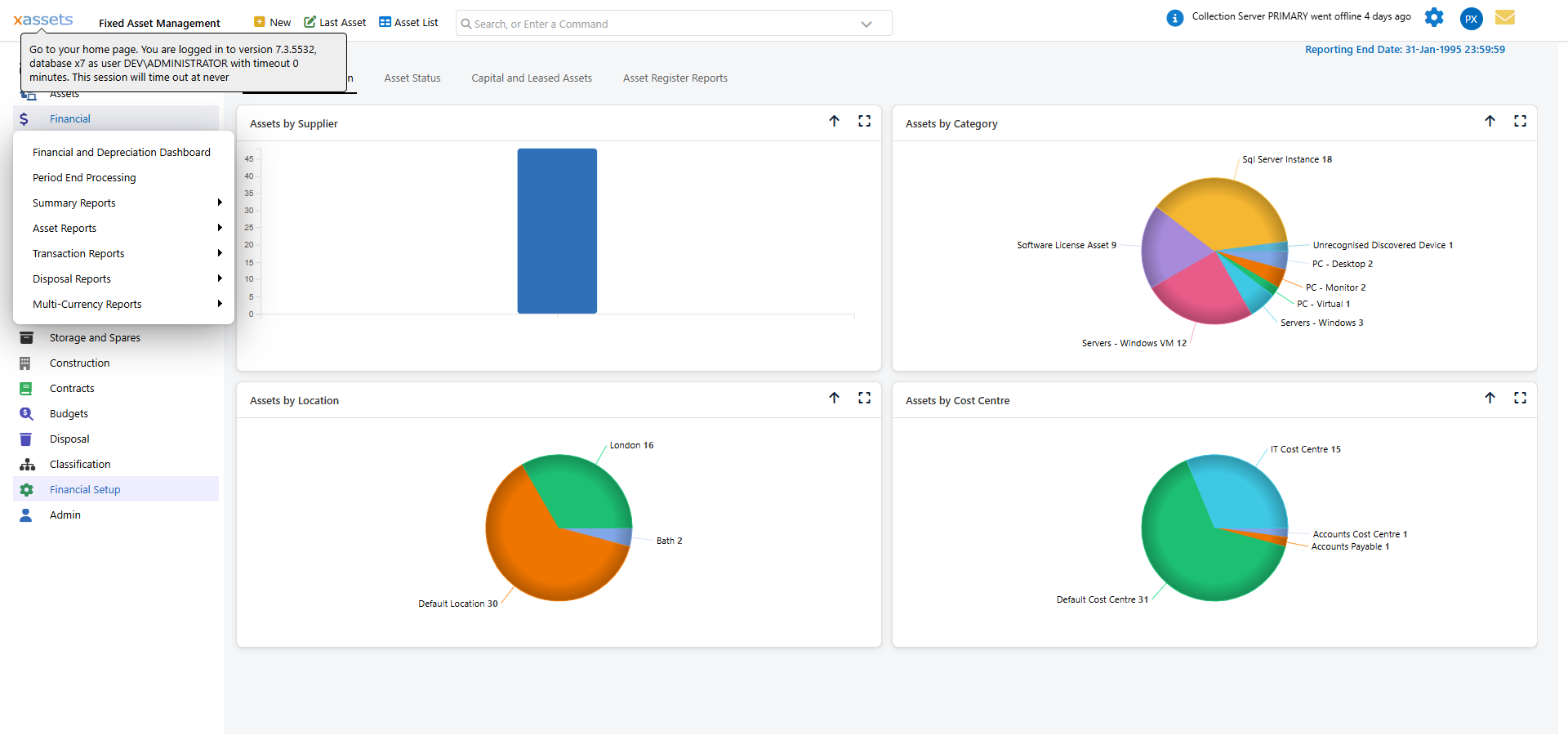
Access the Books screen from Financial Setup > Books > Books (the "Books" menu item nests a further "Books" / "Categories and Books" pair):
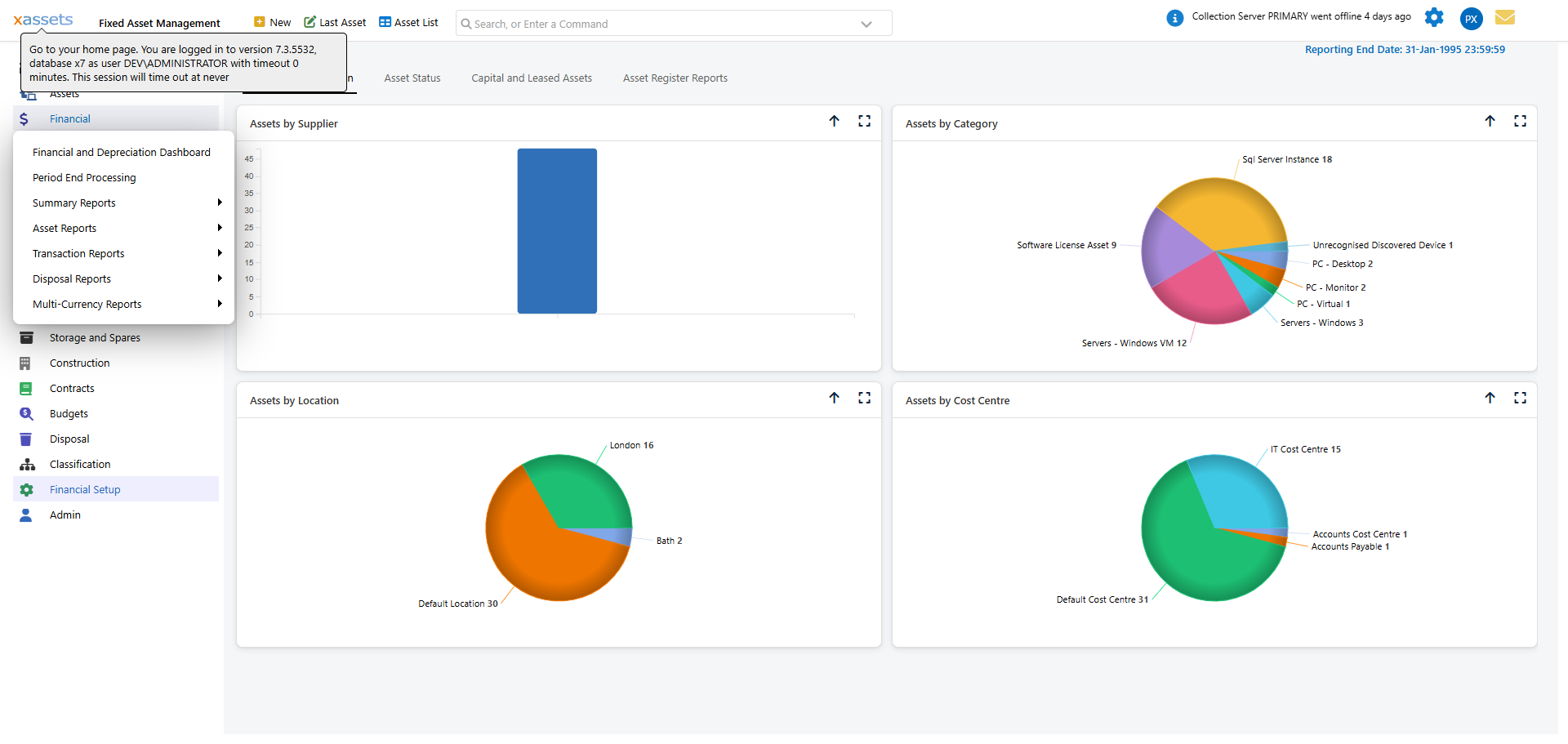
This opens a Lookup Book dialog: the book list on the left, and a View Record panel on the right showing the selected book's fields.
Key Fields on a Book Record
| Field | Description |
|---|---|
| Book ID | System-assigned identifier (read-only) |
| Book Name | The display name (e.g. "Corporate", "Tax", "MACRS") |
| To Be Posted | Whether this book's depreciation transactions post to the nominal ledger |
| Default For NBV | Whether this book's Net Book Value is the one shown by default in grids/reports that don't let you pick a book |
| Add To New Assets | Whether new assets automatically get a depreciation profile for this book |
| Default Depreciation Type | The formula used as the initial default when category-book records are auto-generated for this book |
| Apply Indexation | Whether indexation is applied by default. Indexation adjusts the depreciable base annually, typically used for property assets |
| Assets On Book | Read-only count of assets currently carrying a depreciation profile for this book |
Creating a New Book
To create a new book, open the Books screen above, click New, and set:
- Book Name.
- To Be Posted - tick if this book's depreciation should post to the nominal ledger.
- Default For NBV - tick if this should be the book used where no book is otherwise specified.
- Add To New Assets - tick so every newly-created asset gets a profile for this book automatically.
- Default Depreciation Type - the formula used as the initial default when category-book records are auto-generated.
- Apply Indexation - tick if this book should apply annual indexation by default.
- Click Save.
When you create a new book, the system automatically creates category-book records for every existing category, using the book's default depreciation type. This means every category immediately has a depreciation setting for the new book.
Warning: The auto-generated category-book records all use the same default depreciation type. After creating a new book, go to Categories and Books and review the settings for each category to ensure they match your organisation's policies.
Attaching a Book to Existing Assets
Adding a new book creates category-book defaults automatically, but existing assets do not automatically pick up a depreciation profile for it unless the book's Add To New Assets flag applied at the time (and even then, only new assets are covered). To set up depreciation for existing assets, use Bulk Update:
- Navigate to an asset list and select the assets that need the new book.
- From the Actions menu, choose Bulk Update Assets in a Single Edit.
- In the bulk update dialog, open Financials > Transactions > Depreciation Setup in the left-hand tree.
- The Book Membership grid lists every book and whether each selected asset is on it (Asset On Book column). Tick the row for the new book and click Add Asset(s) to Selected Book.
- The Depreciation Profiles grid below lists the depreciation rule(s) per book (From/To dates, Depreciation Type, Manual Amount, Index, Recovery Period). Use Add Rule to add a rule for the new book, or Edit... against an existing row to change it.
- Click OK to apply.

See Assigning Depreciation Types to Many Assets for more detail on bulk updating.
Tip: If you add a new book to a production system with many existing assets, plan the rollout carefully. You may need to create opening balance transactions (purchases) in the new book for each asset, in addition to setting up depreciation rules. Consider using a data transformation to automate this process.
Deleting a Book
Books can only be deleted if no transactions exist in the book. In practice, this means you can only delete a book that was created but never used. If a book has been used and you no longer need it, consider leaving it in place with no new depreciation profiles created against it, rather than attempting to delete it.
How Books Interact with Period-End Processing
During period-end processing, the system calculates depreciation for all books simultaneously. Each asset's charge is calculated independently for each book based on the book-specific depreciation rules. Journals can be produced per book, allowing you to post management and tax entries to different general ledger accounts.
Related Articles
- Depreciation Types - The formulae assigned to books
- Assigning Depreciation Types to Categories - Setting defaults per category-book combination
- The Monthly Accounting Process - How books are used during period-end
- Nominal Codes - How nominal codes map book transactions to your general ledger