Reviewing Depreciation Setup
Before running period-end processing, review your depreciation setup to confirm that every asset has the correct formula assigned. Running depreciation with incorrect rules creates transactions that will need to be reversed — a time-consuming process that can delay your period-end close. This page describes the tools available for reviewing your configuration.
Prerequisites
- You must be in the Fixed Asset Management profile (see Fixed Asset Management Profile).
- Depreciation types should already be defined (see Depreciation Types) and assigned to categories or assets.
Depreciation Setup Query
The Asset Depreciation Setup query lists each asset with its book, formula (Depreciation Type) and the Start Date / End Date range over which each formula section applies, plus Recovery Pd, %Business, Salvage Value and the raw SQLFormula text. This is the quickest way to scan for missing or incorrect assignments.
Access it from the Financial Setup menu, under Configuration Reports:
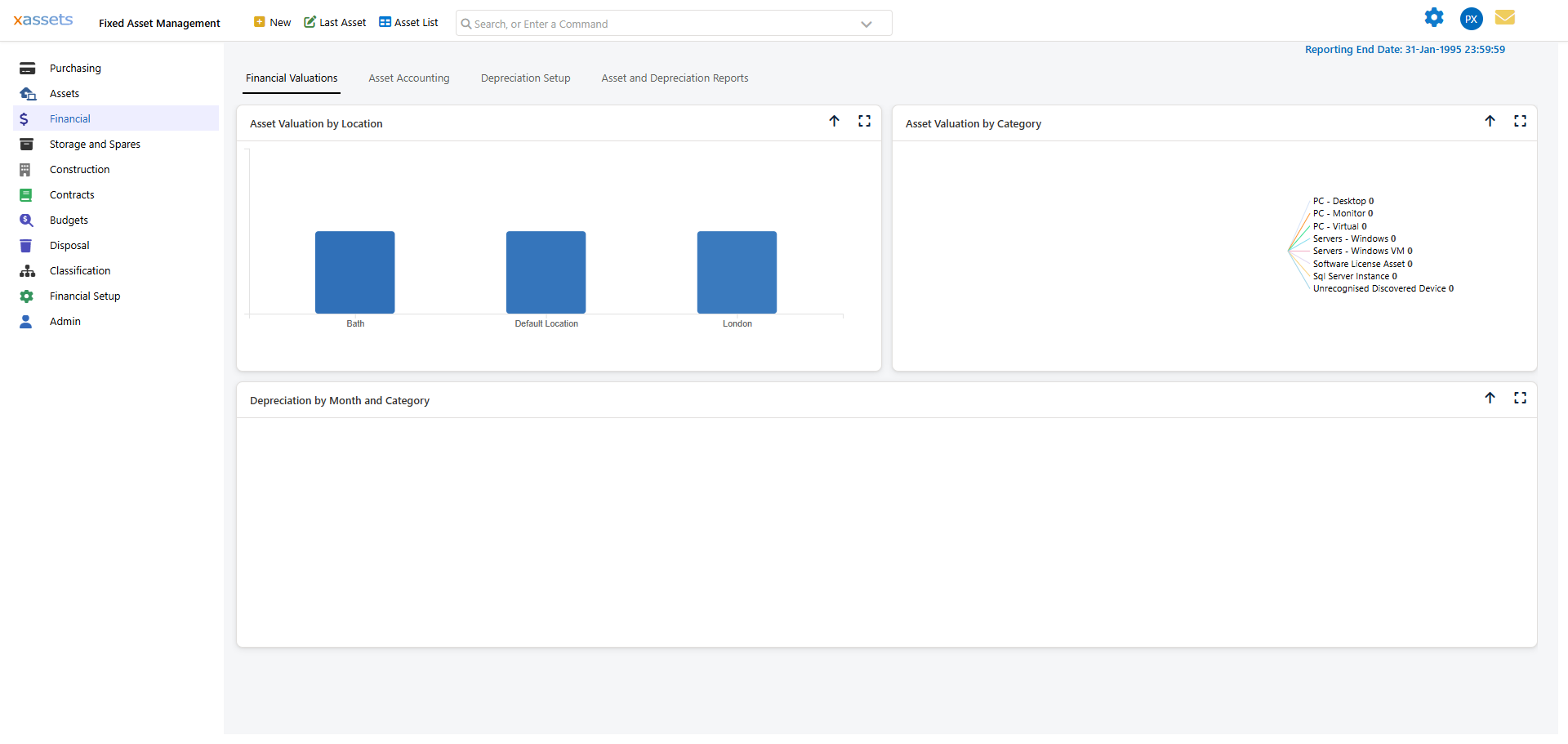
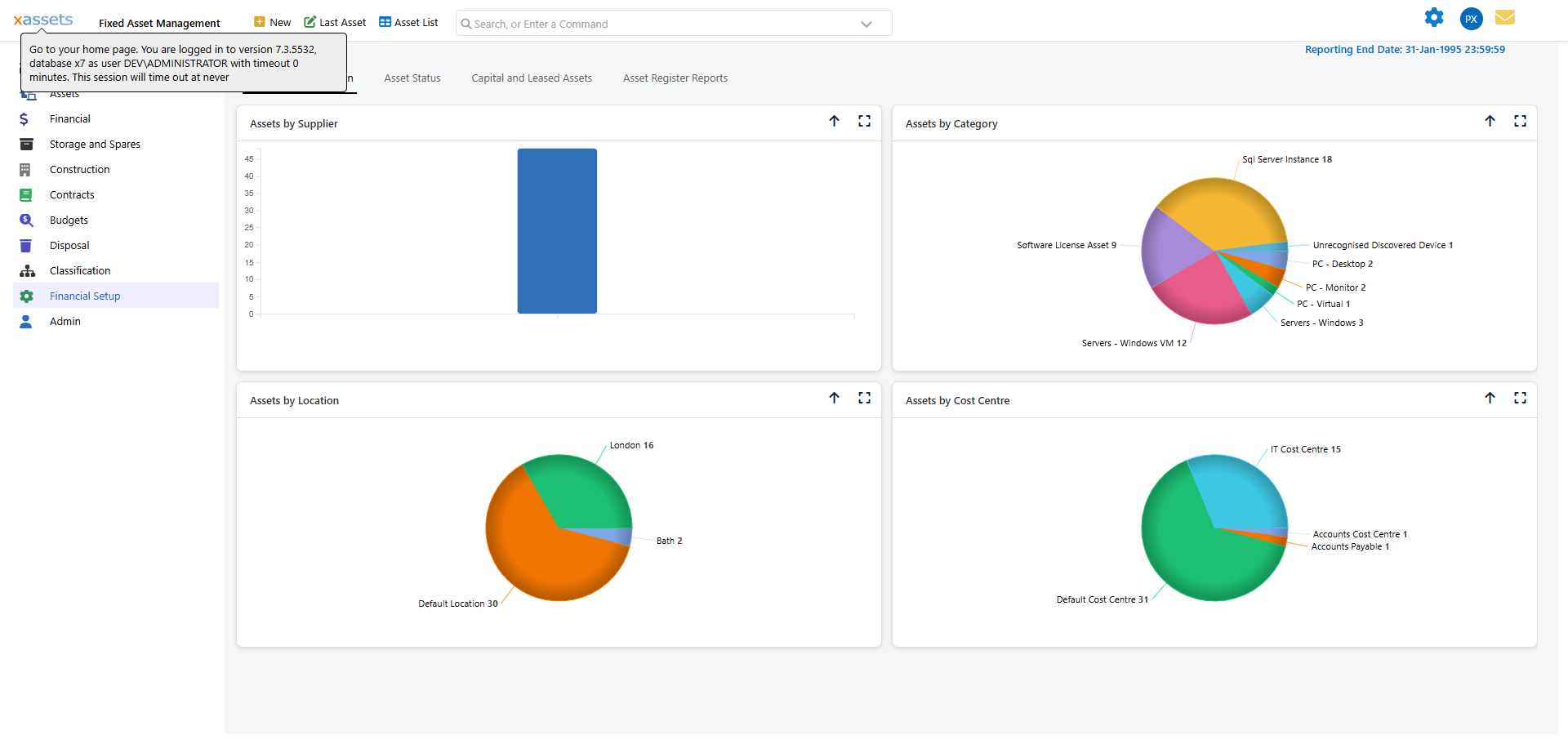
The left-hand tree groups results by Category Group > Category > Book so you can drill into one branch at a time, or click All Items in Query to see everything. The Depreciation Types and Depreciation Lookup Tables buttons above the grid jump straight to those admin screens if you need to check or correct a formula.
What to Look For
When reviewing the query results, check for:
| Issue | What It Looks Like | Impact |
|---|---|---|
| Missing formula | Blank or "None" in the formula column | Asset will not depreciate — no charge will be calculated |
| Wrong formula | Unexpected formula name for the category | Asset will depreciate at the wrong rate |
| Wrong recovery period | Unusually short or long period | Depreciation charges will be too high or too low |
| Missing book | Asset appears in one book but not another | One book will have incomplete figures |
| Date range gaps | A gap between rule date ranges | No depreciation will be calculated during the gap period |
Tip: Sort the query by Category to quickly compare assets within the same category. If most assets in a category have "SL 5yr" but a few have "DB 25%", those exceptions may be intentional overrides or may be errors to correct.
Depreciation Setup Report
From the same Configuration Reports flyout, Asset Depreciation Setup Report opens a printable version of the same data, broken down by category, then book, with each formula as a third-level heading. A Default Depreciation Setup Report variant is also available in the same menu. This format makes it easy to share the configuration with your finance team for review:
Use this report for:
- Audit preparation — Provide auditors with a complete listing of depreciation methods and useful lives
- Management approval — Get sign-off on depreciation policies before running calculations
- Year-end review — Confirm that any mid-year changes have been applied correctly
Tip: If your formulae use recovery periods, indexation, or business use percentages, consider modifying this report to include those fields for a more complete review. Custom queries of type "Depreciation Setup" can include any combination of depreciation fields.
Ad-Hoc Queries
You can create custom queries using the "Depreciation Setup" query type to focus on specific aspects of the configuration:
- Assets without depreciation rules — Filter for assets where the formula is blank or null
- Assets with non-standard recovery periods — Filter for recovery periods that differ from the category default
- Recently changed rules — Filter by modification date to see what has changed since the last review
When to Review
Review your depreciation setup:
- Before each period-end calculation — A quick check before clicking Calculate can prevent errors
- After bulk updates — Verify that the changes were applied to the right assets
- After adding new categories or books — Confirm that the auto-generated category-book records have the correct defaults
- At year-end — A comprehensive review before the final period of the financial year
Related Articles
- Depreciation Types — The formulae referenced in the setup
- Assigning Depreciation Types to Categories — Setting defaults
- Assigning Depreciation Types to Assets — Individual overrides
- Assigning Depreciation Types to Many Assets — Bulk corrections
- The Monthly Accounting Process — The next step after review