Multi Company Environments
xAssets supports multi-company environments where each company has its own accounting periods, nominal codes, and depreciation schedules. This page explains how companies are configured and how they interact with the financial setup. If your organisation operates a single company, you can skip this page - a single default company is sufficient.
Prerequisites
- You must be in the Fixed Asset Management profile (see Fixed Asset Management Profile).
- You should have your corporate structure available - which legal entities need separate accounting treatment.
When to Use Multiple Companies
Set up multiple companies when:
- Your organisation has multiple legal entities that report separately
- Different parts of the organisation use different financial year-ends
- Different parts of the organisation use different charts of accounts (nominal codes)
- Regulatory requirements mandate separate asset registers per entity
- You need consolidated reporting across a group of companies
Managing Companies
Access company records from Classification > Companies and Sets of Companies:
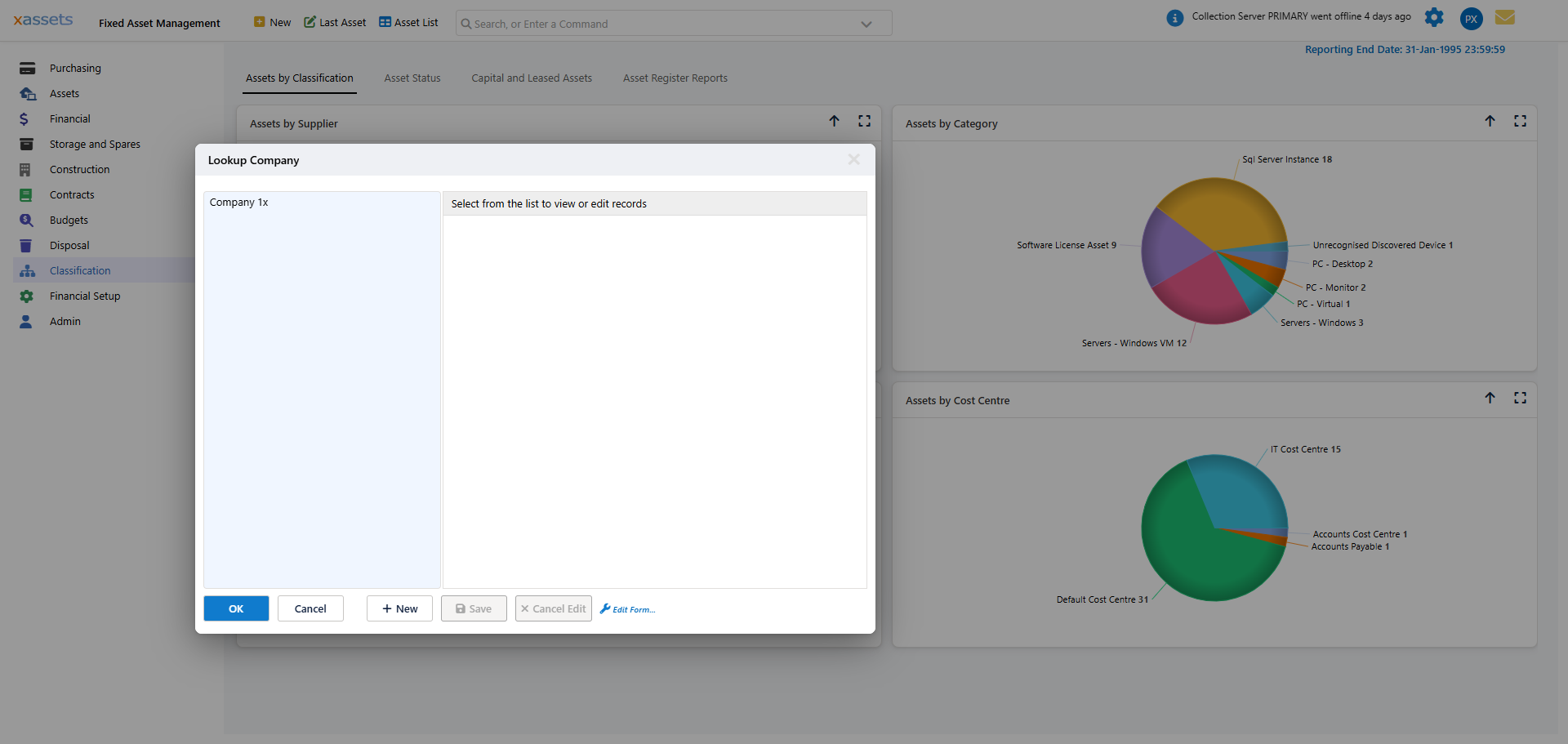
This opens a Lookup Company dialog: a list of company records on the left, and a details panel on the right that fills in when you select one. Select a company to view its record, or use Edit to change it:
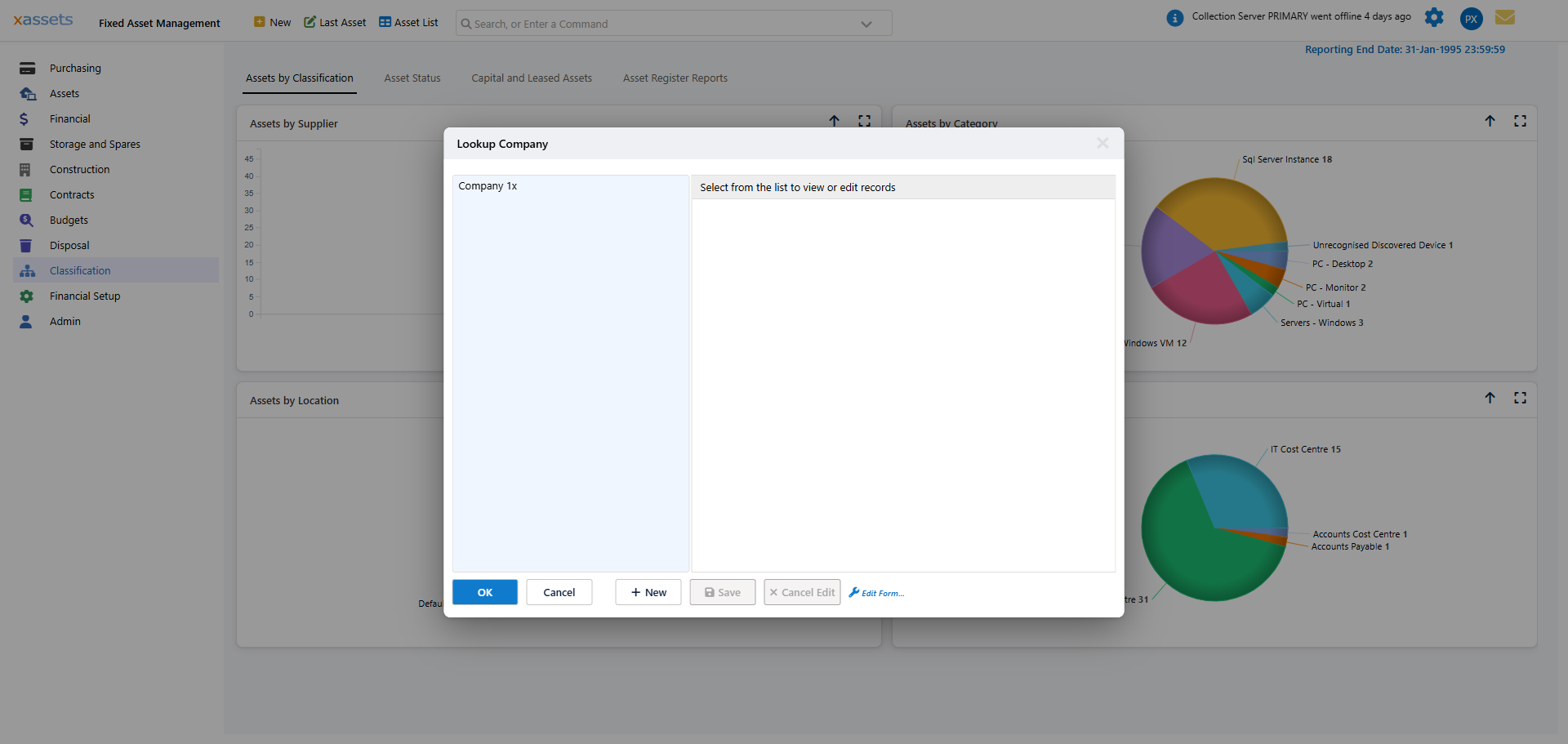
Each company record holds:
| Field | Purpose |
|---|---|
| Company ID | System-assigned identifier (read-only) |
| Company Code | Short code used in journal file naming |
| Company Name | The company's display name |
| Company Group Name | The set of companies this company belongs to (see below) |
| Accounting Period Set | The financial year/period structure this company follows |
| Nominal Group | The chart-of-accounts group this company posts journals against |
| Journal File Prefix | Prefix applied to exported journal files for this company |
Use New in the dialog to add a company, Edit to change one, and Delete to remove one. Click OK to close the dialog.
Key Configuration Points
Accounting Period Sets
Each company is assigned to an Accounting Period Set, which determines its financial year structure (see Accounting Periods).
- Companies with the same year-end can share an accounting period set.
- Companies with different year-ends must have separate accounting period sets.
Warning: All companies sharing the same accounting period set are depreciated together during period-end processing. If a company needs to be depreciated on a different schedule (e.g. different month-end dates), assign it to a separate accounting period set.
Nominal Groups
Each company is assigned to a Nominal Group, which can be shared with other companies or kept separate:
| Approach | When to Use |
|---|---|
| Shared nominal group | All companies use the same chart of accounts and post to the same general ledger |
| Separate nominal groups | Companies have different charts of accounts or post to different general ledger systems |
The nominal group determines which accounts are used when producing journals. If companies share a group, they produce journals with the same account references. If they have separate groups, each company's journals use its own account references.
See Nominal Codes for details on managing nominal codes and groups.
Sets of Companies (Company Group)
Companies can be grouped into a Company Group for consolidated reporting - this is the "set of companies" referred to in the menu name. A company's group membership is set on its record via the Company Group Name field. For example:
- A Group company-group containing Company A, Company B, and Company C
- A Regional company-group containing EMEA and Americas entities
Grouping companies this way lets you report across a group without manually selecting each company individually.
Setting Up a New Company
To add a new company:
- Navigate to Classification > Companies and Sets of Companies.
- Click New in the Lookup Company dialog.
- Enter the Company Code and Company Name.
- Assign the Company Group Name - select an existing group for consolidated reporting, or leave/create as needed.
- Assign an Accounting Period Set - select an existing set if the company shares the same year-end as another company, or create a new set if it has a different year-end.
- Assign a Nominal Group - select an existing group to share nominal codes, or create a new group for a separate chart of accounts.
- Set the Journal File Prefix.
- Click Save.
After creating the company:
- Ensure the accounting period set has the correct periods defined.
- Review the nominal codes in the assigned nominal group.
- Assign assets to the new company as needed.
Depreciation Scheduling
Period-end processing (see The Monthly Accounting Process) works at the accounting period set level. When you click Calculate:
- All companies in the selected accounting period set are depreciated together.
- If you have companies in different accounting period sets, you run period-end processing separately for each set.
Tip: If most of your companies share the same year-end, put them in one accounting period set. Only create separate sets for companies with genuinely different period structures.
Inter-Company Transfers
When an asset is transferred from one company to another, the system can create transfer transactions in both the originating and receiving company. This ensures both companies' books reflect the movement accurately.
Transfer transactions typically include:
- A transfer-out in the originating company (reducing its asset base)
- A transfer-in in the receiving company (adding to its asset base)
- Appropriate nominal code entries for inter-company accounting
Related Articles
- Accounting Periods - Defining period structures for each company set
- Nominal Codes - Managing account references per company
- The Monthly Accounting Process - Running depreciation by company set
- Budgets - Per-company budget management