Licensing Position Overview
The Licensing Position is the central compliance output of SAM. It compares the number of installations (consumption) against the licenses you own (entitlement) for every managed product. This chapter covers the dashboards, the queries, the reports, and the calculation that drives them.
Where to Find the Position
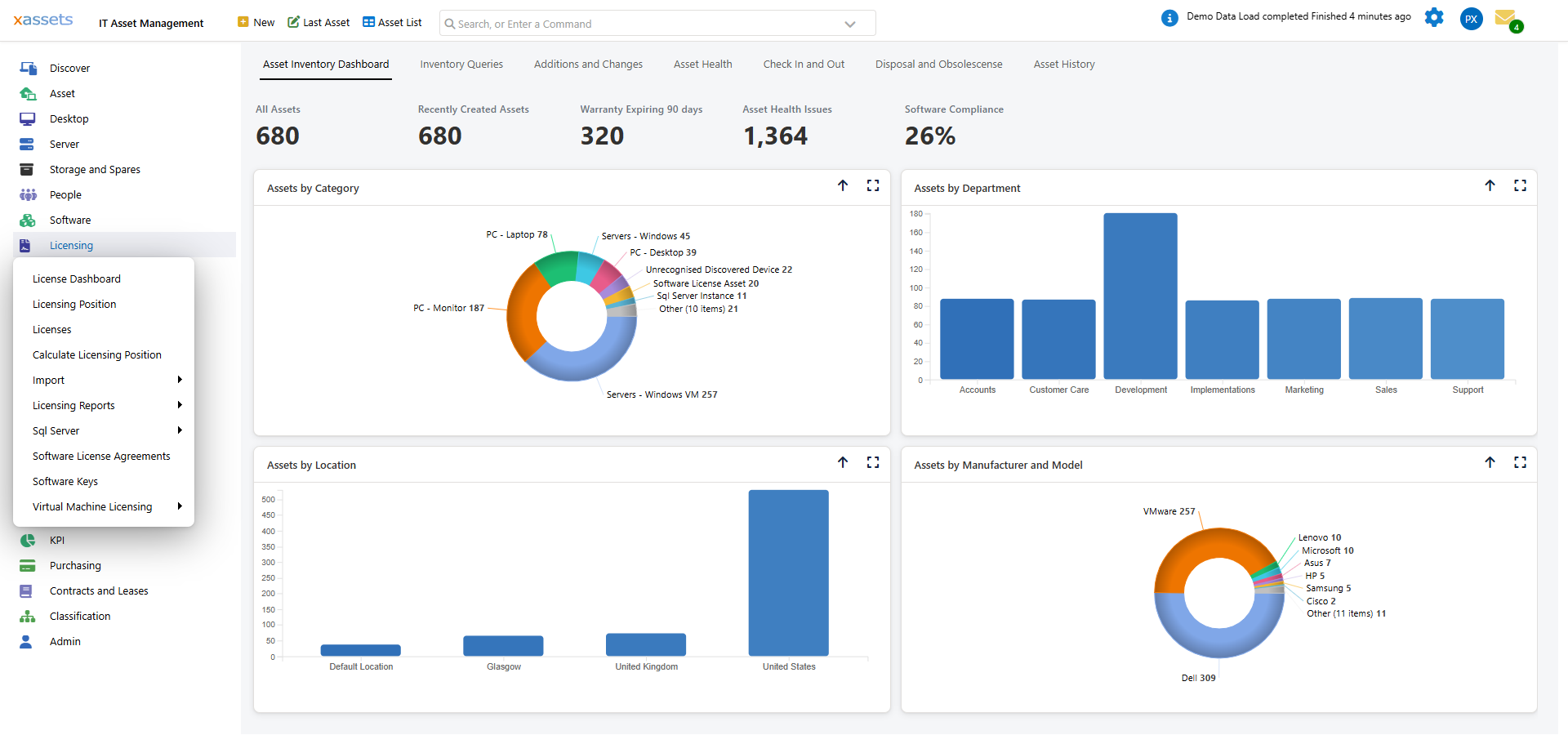
The Licensing menu has three views that all answer "where are we on compliance?":
| Menu | What It Shows |
|---|---|
| License Dashboard | The high-level summary with charts, KPI tiles, and quick-access buttons |
| Licensing Position | The per-product compliance grid — one row per product |
| Licenses | The per-license register — one row per purchase record |
Plus the per-product Calculate Licensing Position action and the per-product reports under Licensing Reports.
The Dashboard Tabs
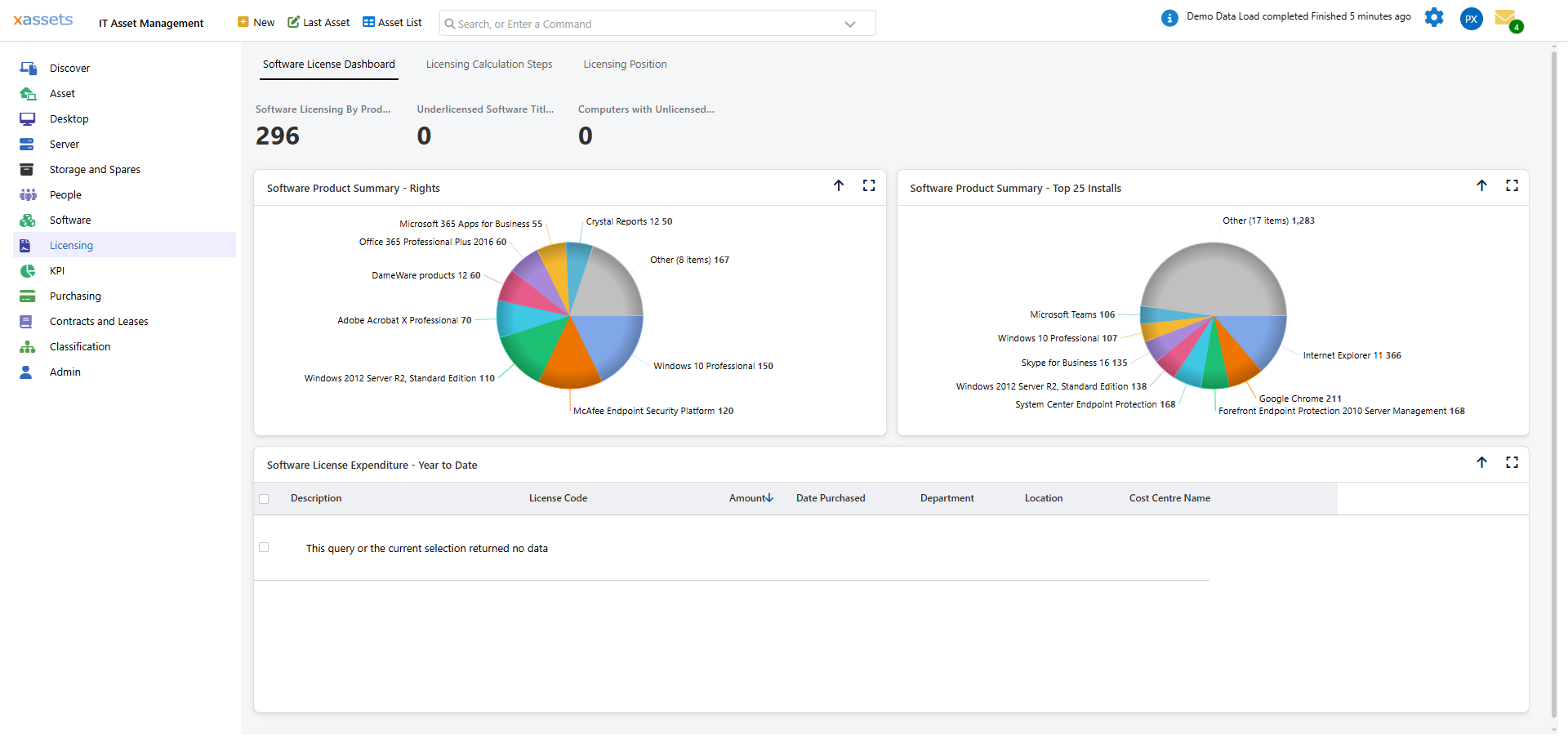
The License Dashboard has four tabs:
| Tab | Purpose |
|---|---|
| Software License Dashboard | KPI tiles (Software Licensing By Product, Underlicensed Titles, Unlicensed Computers), charts of rights and installs by product, expenditure year-to-date |
| Licensing Calculation Steps | Data quality diagnostics + import/calculate buttons (covered in Operations) |
| Licensing Position | The per-product compliance grid |
| Reports | The licensing reports, including the assignment and allocation reports (see Reports) |
Most users land on the dashboard, scan the KPI tiles, and drill in from there.
What's in This Chapter
| Page | Covers |
|---|---|
| The Licensing Position Query | The per-product grid in detail |
| The Licenses Query | The per-license register |
| Running the Calculation | When and how to recalculate |
| Recalculation Behavior | What happens when you recalculate (and what to avoid) |
| Compliance Reports | Summary and detail PDF reports for audit and management |
| Compliance Status Meanings | What compliant / over-licensed / under-licensed actually mean |
The Single Compliance Number
For each product, the Licensing Position computes one comparison:
Outstanding Requirement = max(0, Required - Allocated)
Where:
- Required = total consumption in metric units (users, devices, cores, processors)
- Allocated = total grants from your licenses (including downgrade allocations)
Outstanding > 0 means under-licensed. Outstanding = 0 means compliant or over-licensed (over depends on whether Seats > Required).
Everything else on the position page is detail explaining how that one number was reached.
The Position Is Point-in-Time
The position reflects what the engine calculated last. It does not auto-update on data changes. After:
- A discovery run loads new asset data
- Licenses are added, modified, or imported
- An asset is disposed
- Catalog entries change (License Type, Defining Titles)
...you need to recalculate before the position reflects the change. See Running the Calculation.
Related Reading
- Concepts: Temporal Accounting — how the position is built from transactions
- Operations: Data Quality Checks — the diagnostic tab
- Daily Tasks: Identify Under-Licensed Products