Disposal
The Disposal menu provides functions for disposing of assets and reviewing obsolescence. Asset disposal is a financially significant operation - it removes the asset's remaining book value from the balance sheet and calculates any gain or loss on disposal. Understanding the financial implications before you dispose of an asset will help you avoid errors in your period-end journals.
Prerequisites
- You must be in the Fixed Asset Management profile (see Fixed Asset Management Profile).
- Ensure depreciation is up to date before disposing of assets. If you dispose of an asset mid-period without first calculating depreciation, the disposal gain/loss may be based on stale net book values.
Menu Overview
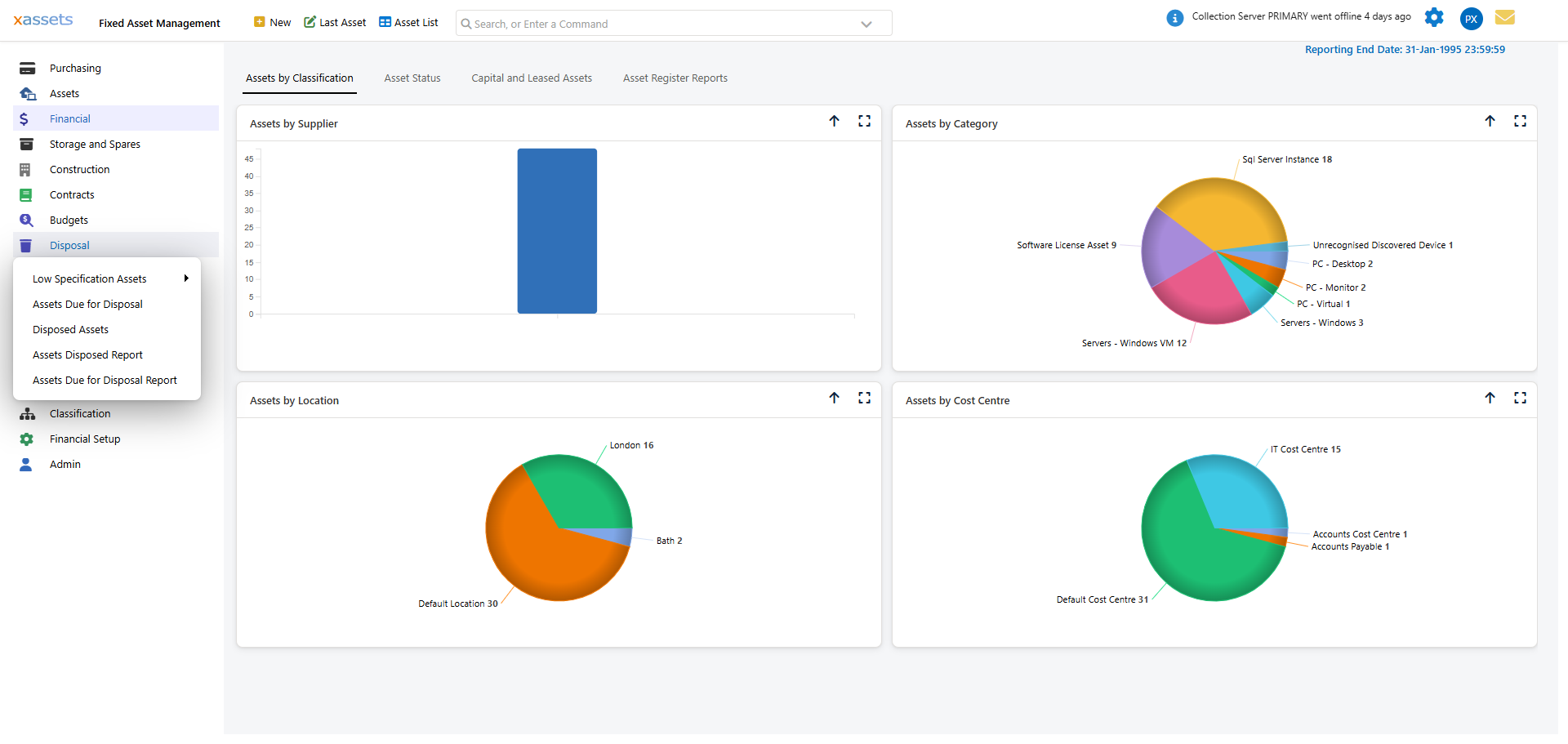
Disposed Assets
The Disposed Assets query lists all assets that have been disposed of, including financial information such as Original Value, Net Book Value, and Currency Net Book Value at the point of disposal:
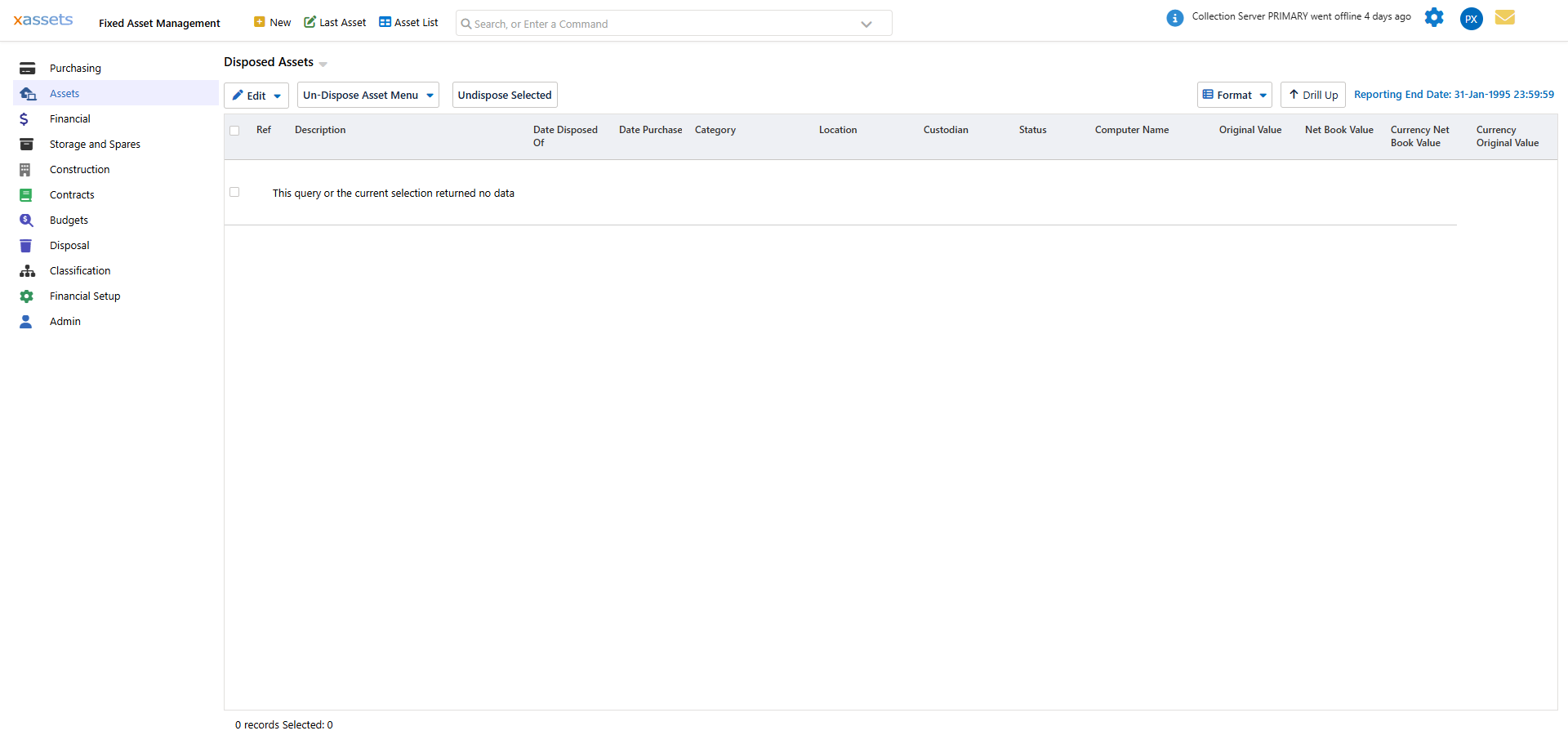
This list serves as the audit trail for disposed assets - records are not deleted, they simply move to Disposed status. From this grid you can also reverse a disposal; see Correcting a Disposal below.
Disposing of an Asset
To dispose of one or more assets:
- Navigate to an asset list (for example, the Asset List toolbar button, or a query under Assets > Asset Register).
- Select the assets to dispose of using the row checkboxes, or Shift+Click / Ctrl+Click on rows.
- Open the Actions menu (above the grid) and choose Dispose of or Delete Assets.

- In the Bulk Disposal dialog, enter the disposal details:

Key fields in the disposal dialog:
| Field | Description |
|---|---|
| Set Status To | The asset status to apply, e.g. Sold. Controls how the disposal reads in reports. |
| Date Disposed Of | The date the asset is being disposed of. This determines which accounting period the disposal falls into. |
| Write Down Percentage | Percentage of Net Book Value to write off. Leave at 100 for a full disposal, or lower it for a partial disposal. |
| Value to Dispose of | An explicit amount to write off instead of a percentage. Leave at 0 to use the Write Down Percentage instead. |
| Sale Proceeds | The amount received from selling the asset, if any. Enter zero if the asset is being scrapped. Split equally across all selected assets. |
| Cost of Sale | Any costs incurred in selling the asset (e.g. broker fees), also split equally across the selection. |
| Permanently Delete this asset | Removes the asset record entirely instead of moving it to Disposed status. Use with care - this cannot be reversed with Un-Dispose. |
| Use Batch Process | Runs the disposal as a background batch job instead of inline - useful for very large selections. |
Disposing a parent asset also disposes any child assets where the Parent/Child relationship has "Moves With Parent" selected.
- Click OK to process the disposal.
Financial Impact of Disposal
When an asset is disposed of, the system automatically:
- Writes off the remaining net book value - The difference between the asset's original cost and accumulated depreciation is removed from the balance sheet.
- Calculates gain or loss on disposal - If sale proceeds were recorded:
- Gain on disposal = Sale proceeds minus net book value (when proceeds exceed NBV)
- Loss on disposal = Net book value minus sale proceeds (when NBV exceeds proceeds)
- Creates disposal transactions in each book - These transactions are posted automatically and appear in the asset's transaction history.
- Changes the asset status - The asset is moved to a "Disposed" status and no longer appears in the active asset register.
Warning: Disposal transactions are posted to the current accounting period. If you dispose of an asset after running depreciation but before producing journals, the disposal will be included in the current period's journals. If you dispose after producing journals, the disposal will appear in the next period.
Tip: Always review depreciation calculations before disposing of assets within the same period. This ensures the net book value used for the gain/loss calculation reflects up-to-date depreciation.
Correcting a Disposal
If an asset was disposed of in error, you do not need to raise a manual adjusting transaction - the Disposed Assets query provides a direct Un-Dispose action:
- Open Disposal > Disposed Assets.
- Select the disposed asset(s) using the row checkboxes.
- Click Undispose Selected (or use the Un-Dispose Asset Menu dropdown for related options).
This reverses the disposal transaction, returns the asset(s) to their prior status, and restores them to the active asset register with their depreciation history intact.
Note: Un-Dispose only applies to disposed assets. If Permanently Delete this asset was used instead of a normal disposal, the record is gone and cannot be recovered this way - contact your system administrator, as a restore from backup may be needed.
Low Specification Assets
The Disposal menu has two views for finding assets that may need replacement or upgrading based on their specifications, grouped either by Location or by User/Custodian:
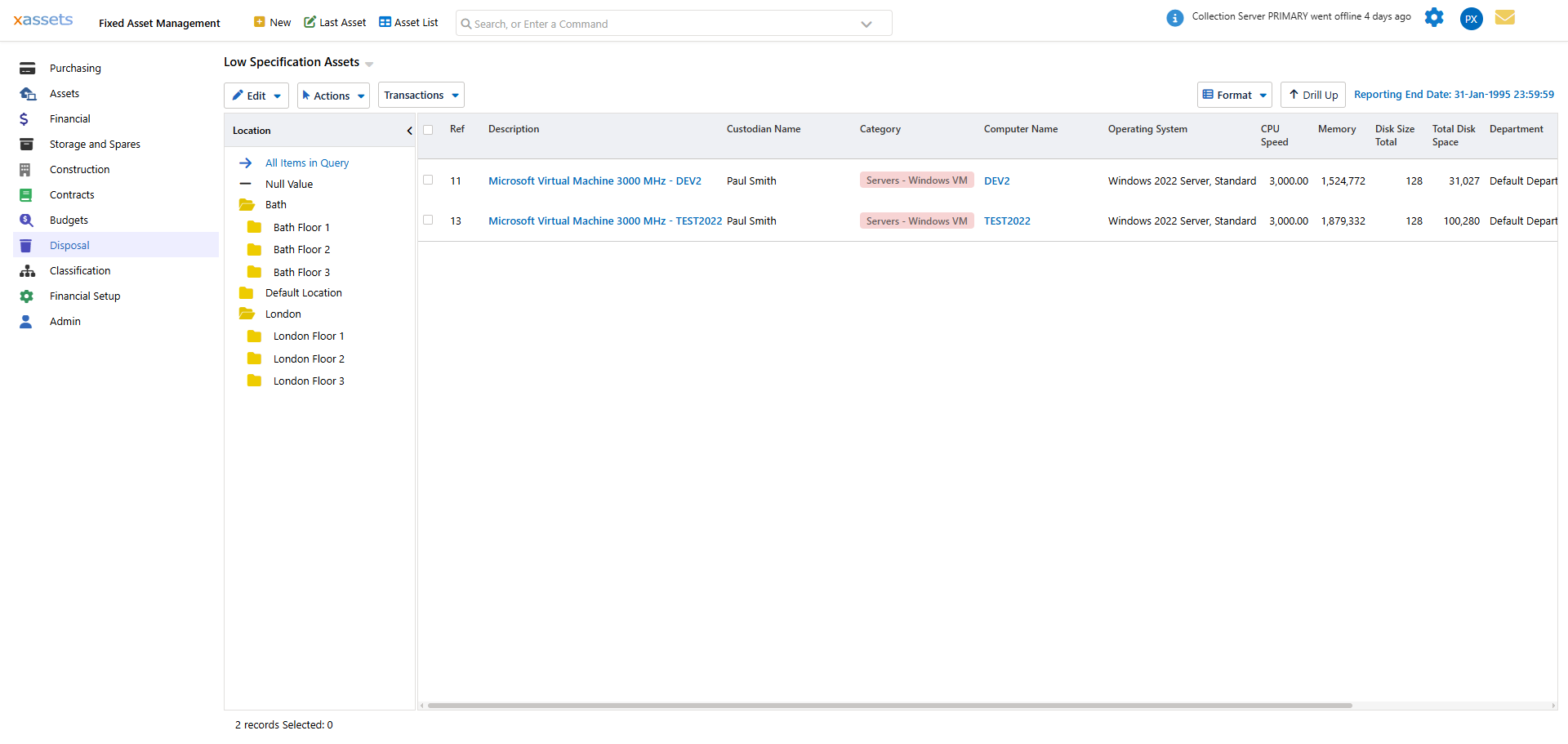
- Low Specification Assets by Location - browse candidates in a tree grouped by Location.
- Low Specification Assets by User - browse candidates grouped by the assigned Custodian.
- Low Specification Configuration - set the criteria (e.g. minimum CPU speed, memory, disk space) that determines what counts as "low specification" for your organisation.
Use these lists as a planning tool to identify candidates for disposal or replacement before they fail in service.
Related Articles
- Asset Register - Browsing and finding assets
- Financial Transactions - Viewing disposal transactions on individual assets
- The Monthly Accounting Process - How disposals interact with period-end processing
- Valuations - Understanding net book value and other financial measures