Due for Disposal
Assets can be flagged with a future disposal date so you can plan retirements in advance. Once a disposal date is set, the asset shows up on the Assets Due for Disposal grid on the Asset Inventory Dashboard, giving you time to arrange replacements, data wiping, and physical collection before the date arrives.
Setting a Disposal Due Date
To schedule an asset for future disposal:
- Open the asset in the editing screen (click the asset's blue description link in any results grid).
- Expand the Warranty and Servicing section of the Edit Asset form.
- Locate the Date Disposal Due field and enter the date by which the asset should be disposed of.
- Click OK or Save to save the change.
You can also set disposal dates in bulk using Bulk Update -- select multiple assets and set the Date Disposal Due field for all of them at once, for example after deciding to retire an entire hardware category or location.
Viewing Assets Due for Disposal
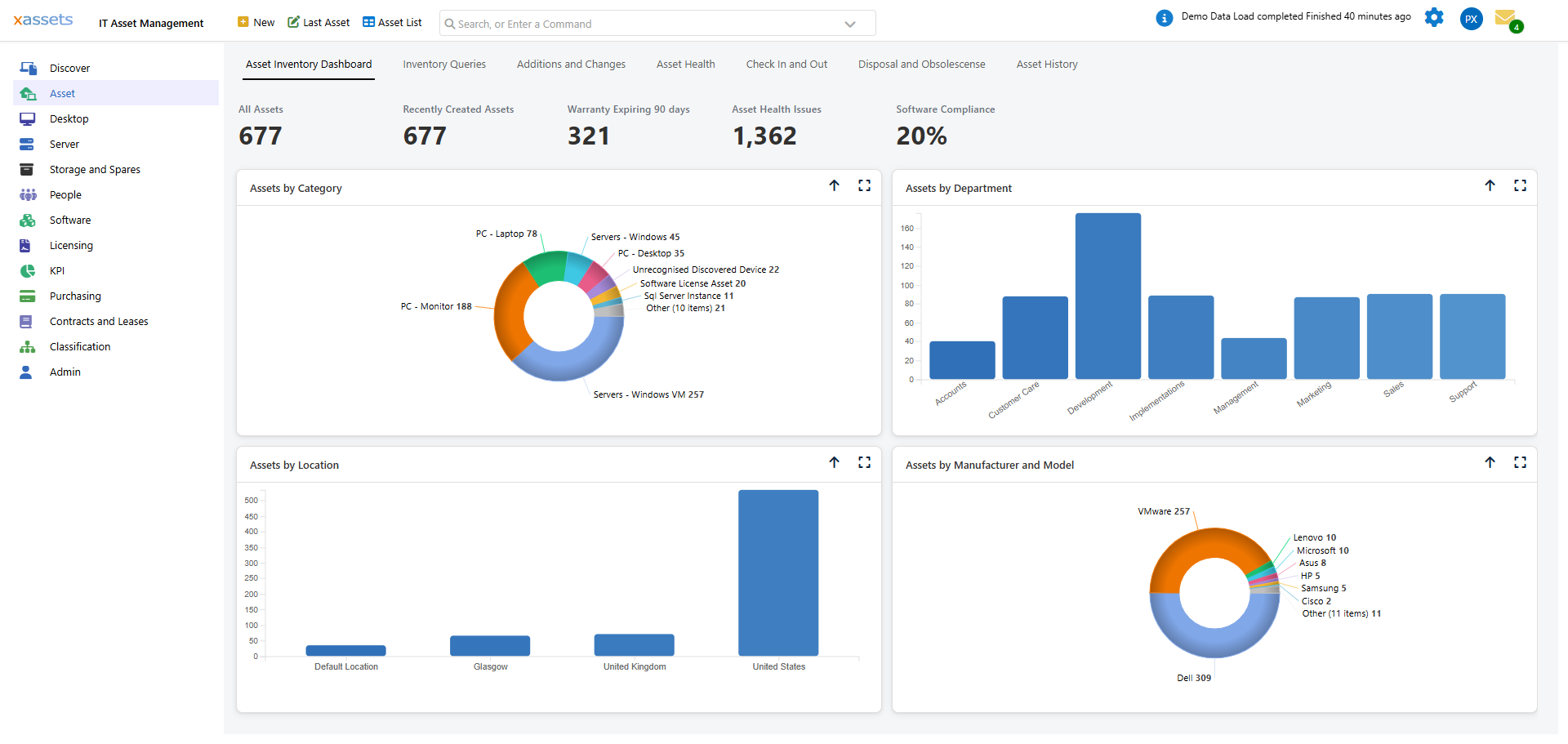
Open the Disposal and Obsolescense tab on the Asset Inventory Dashboard (Asset menu) to see disposal planning at a glance:
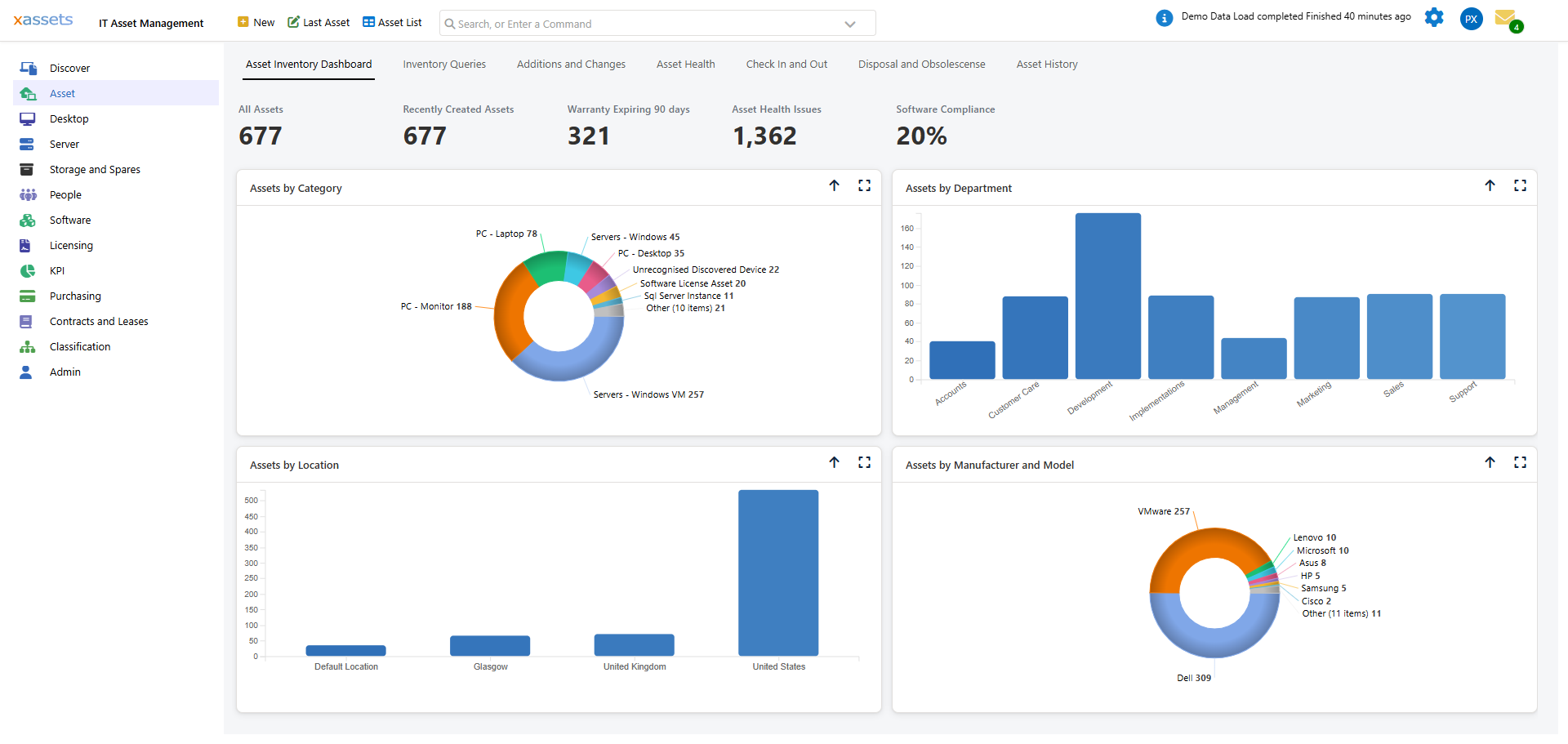
This tab has three areas:
- Assets Due for Disposal -- lists assets due for disposal in the next 30 days: any asset with a Date Disposal Due set, or a Disposal Date set, in that window. Columns include Title, Ref, Description, Date Purchased, Category and Location.
- Disposed Assets -- assets already disposed (Status not In Service and not In Existence). These no longer appear in most other reports; they can be restored with Un-Dispose.
- Disposal / Obsolescence / Reports panels -- quick links to related saved queries, including Assets Due for Disposal in Specified Number of Days (lets you widen the 30-day window), Low Specification queries for identifying ageing hardware, and the Assets Due for Disposal Report and Assets Disposed Report printable reports.
If the grid shows "No Assets due for Disposal in 30 days" it simply means nothing currently falls inside the window -- set a Date Disposal Due on an asset (above) and it will appear here once its date is within range.
Using Disposal Planning Effectively
| Practice | Benefit |
|---|---|
| Set the Date Disposal Due when assets are procured | Aligns with expected refresh cycles (e.g., 3- or 4-year PC replacement) |
| Review the Disposal and Obsolescense tab regularly | Ensures timely replacement planning and budget forecasting |
| Combine with warranty end dates | Assets out of warranty are often candidates for disposal |
| Use Bulk Update after a hardware refresh decision | Quickly schedule an entire category or location for disposal |
| Use "Assets Due for Disposal in Specified Number of Days" | Widen or narrow the planning window beyond the default 30 days without changing every asset's date |
Tip: Setting a disposal due date does not dispose the asset. The asset remains active and In Service until you explicitly dispose of it. The date is purely for planning purposes.
Related Articles
- Disposal -- how to actually dispose of assets when the time comes
- Un-Dispose -- restoring a disposed asset to active status
- Bulk Update -- setting disposal dates across many assets at once